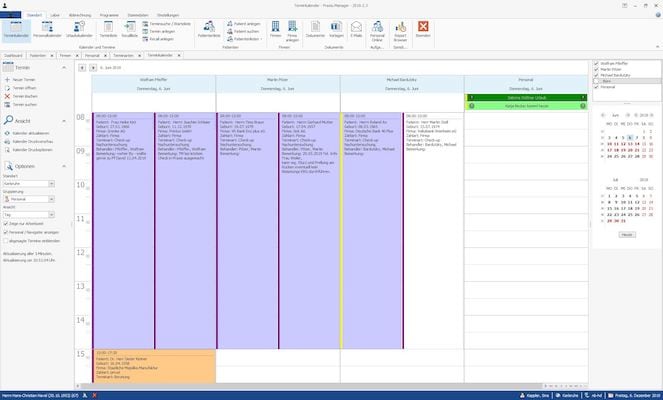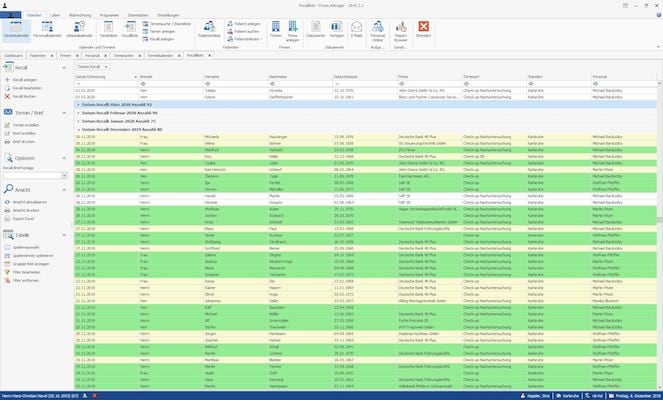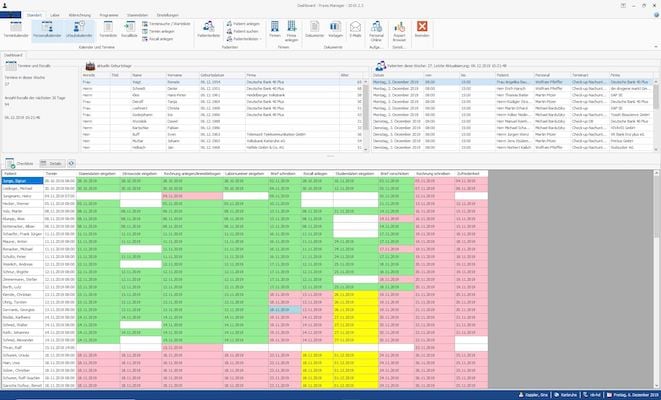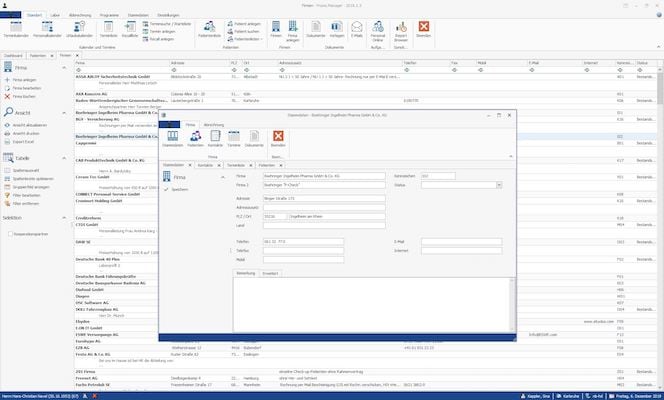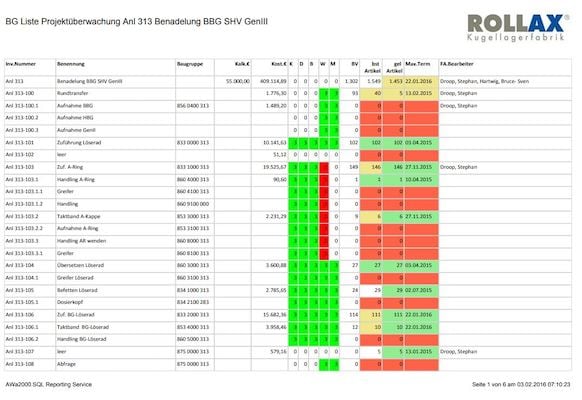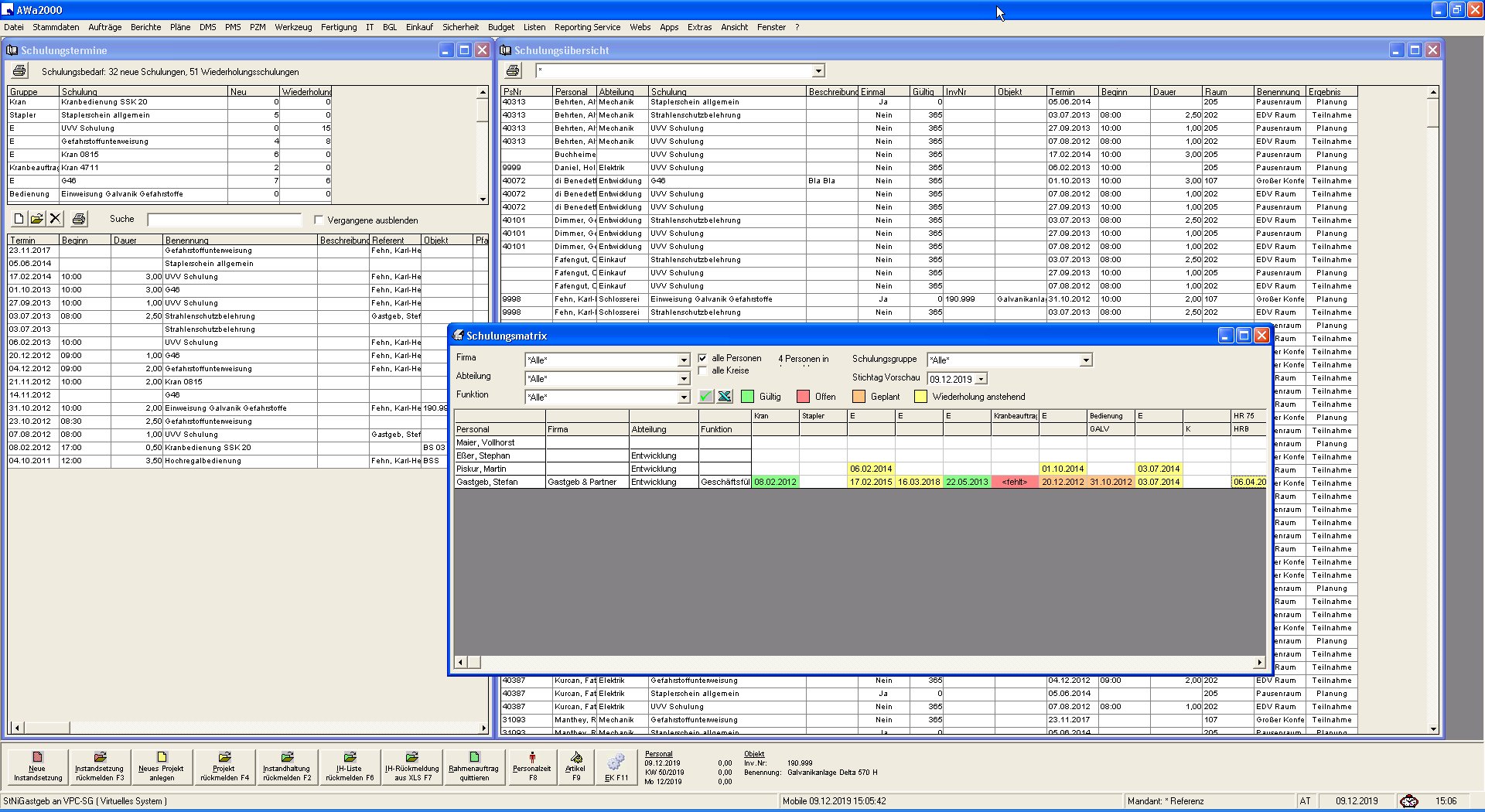

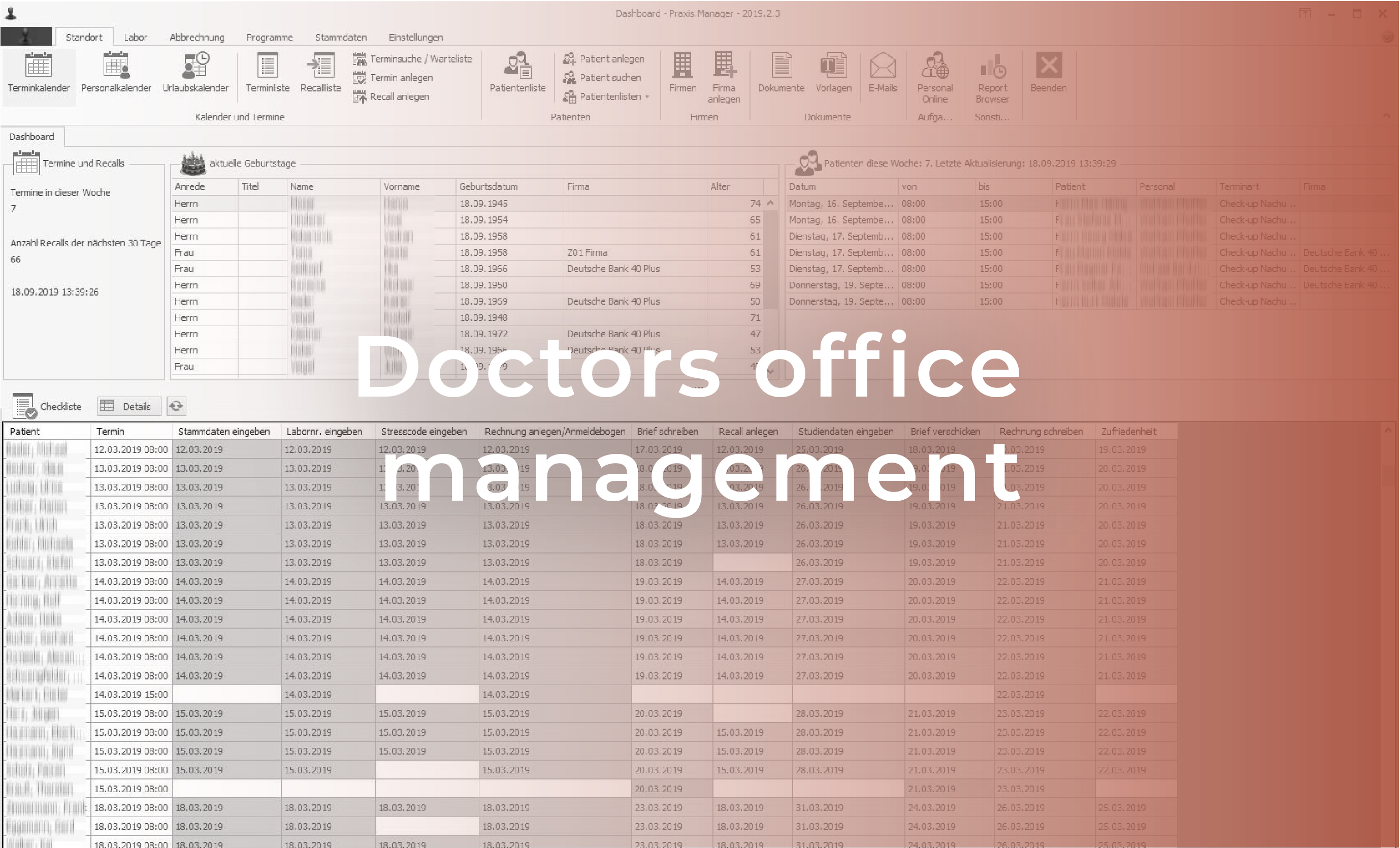









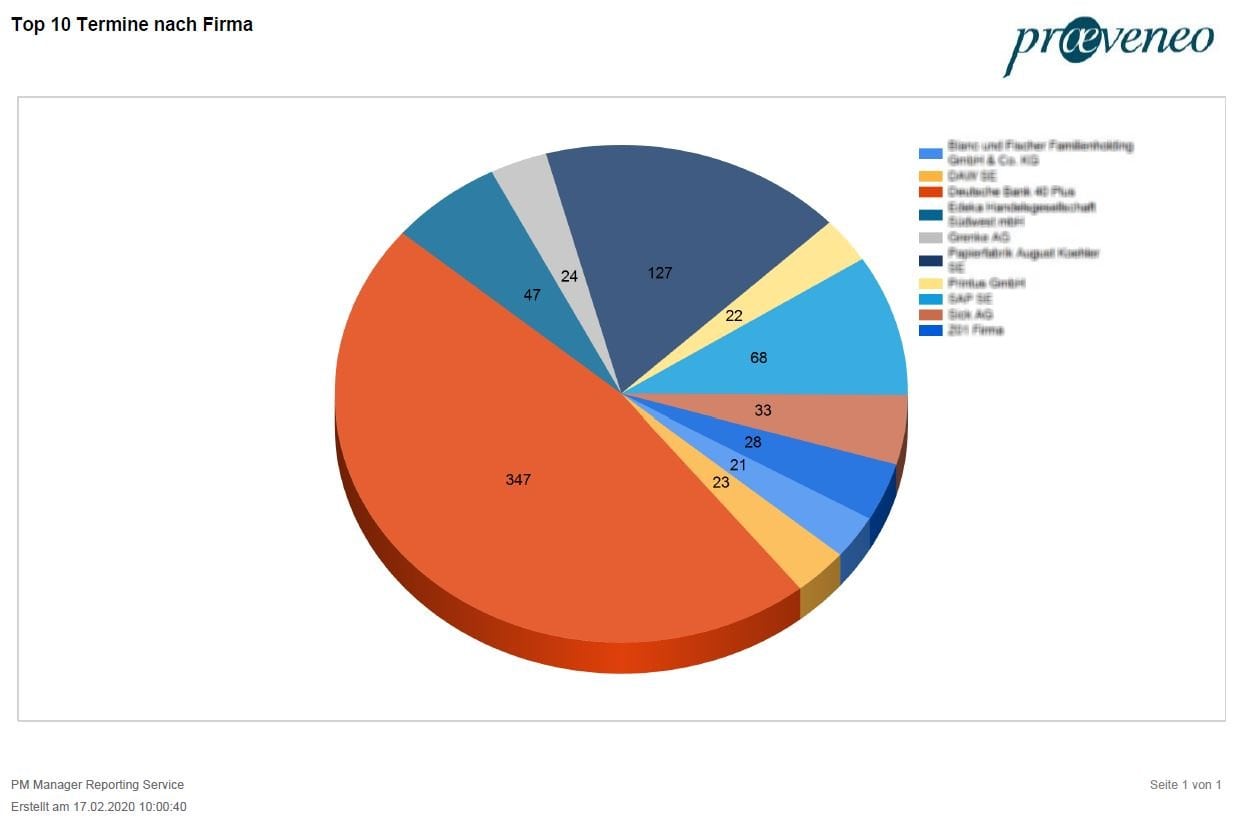
Analysis to control the appointment situation per doctor and period
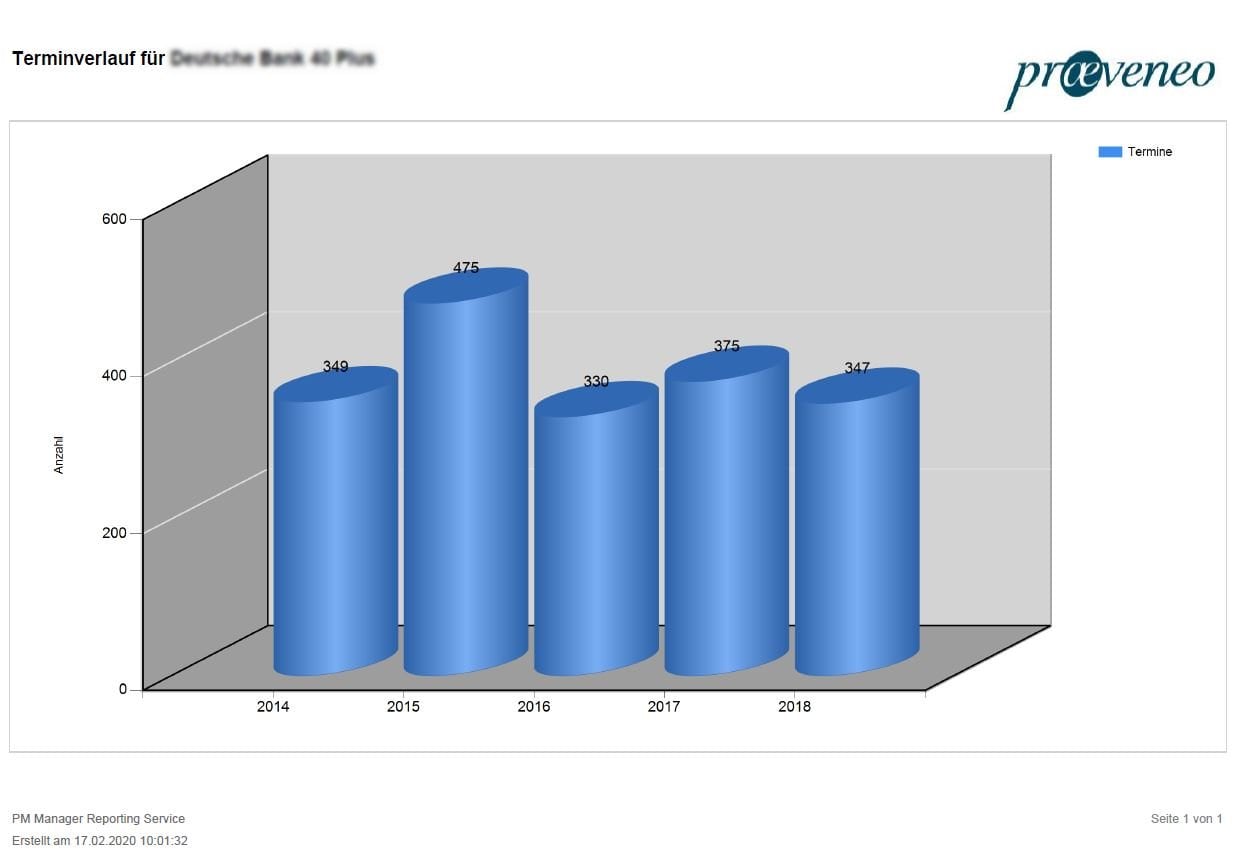
Capacity evaluation
Check for existing free space in the schedule to optimize the workload
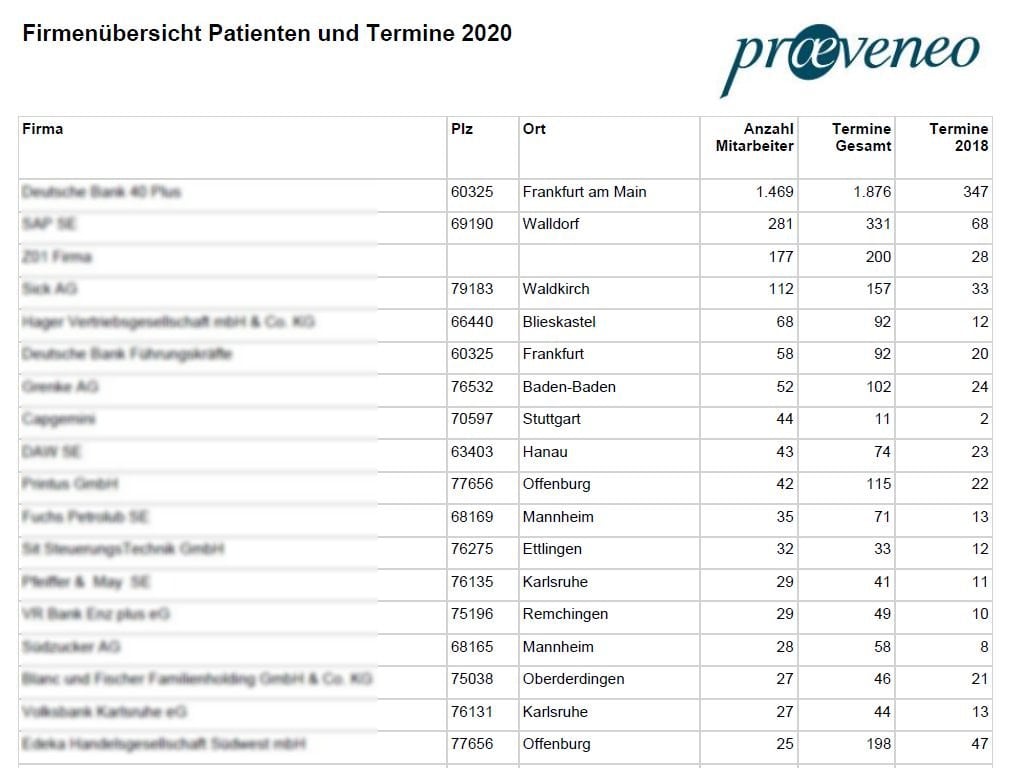
Appointment monitoring
Presentation of completed and upcoming appointments with reference to capacity problems or overlapping appointments
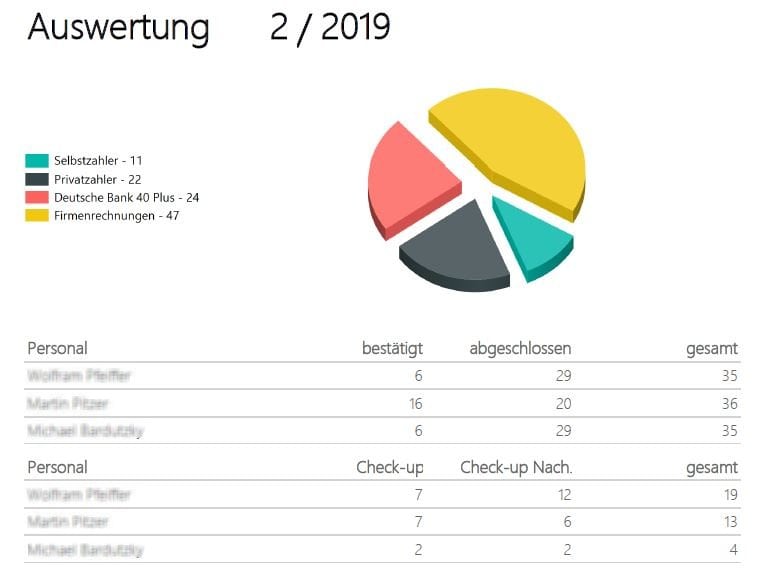
Evaluation of key figures
Display of planning data, workload and capacities
Accounting
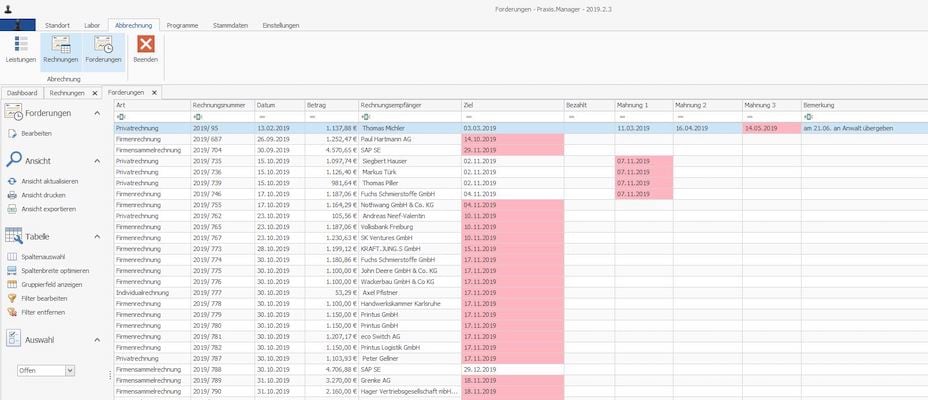
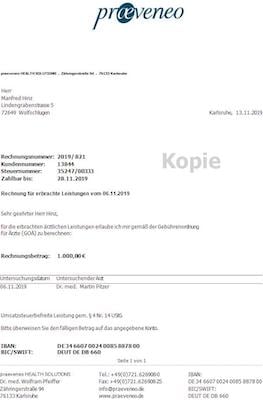
Patient invoice
Company invoice
Single / collective invoice
Dunning
Patient invoice
Preparation of patient invoices according to GOÄ
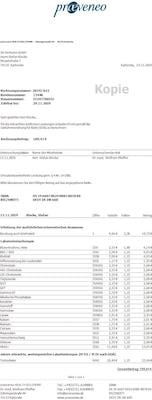
Company invoice
Combining several patient invoices into one company invoice
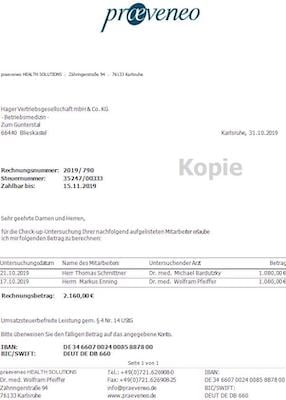
Single / collective invoice
Dunning
Control of incoming payments and reminders with different levels
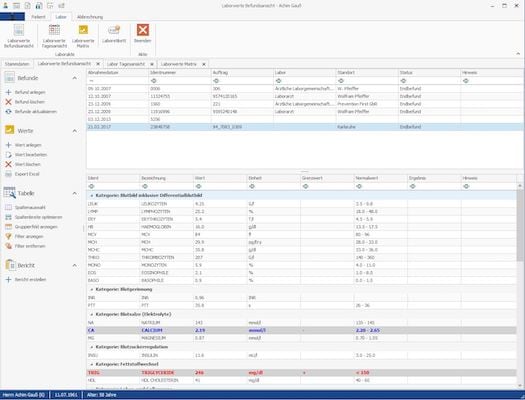
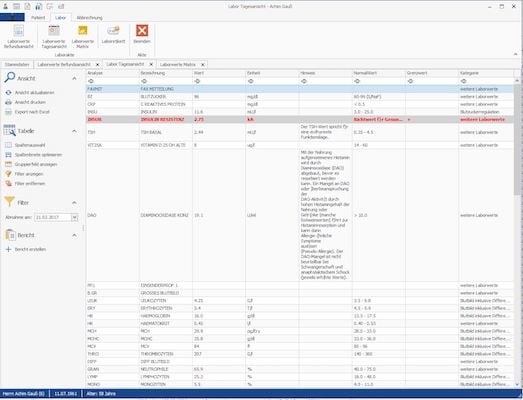
Laboratory
Laboratory integration
Laboratory book and recording
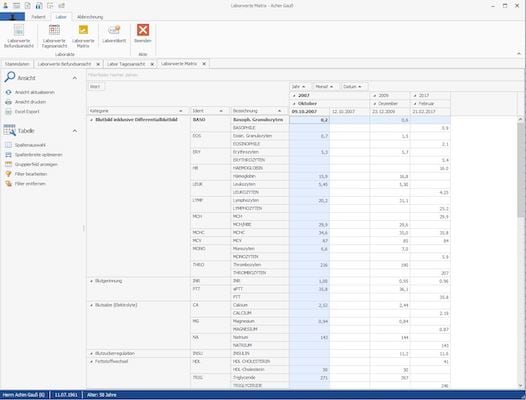
Analysis / Value matrix
Laboratory integration
Integration of external laboratories including data transmission via Internet
Laboratory book and recording
Analysis / Value matrix
Analysis of the laboratory values and graphic processing of the data
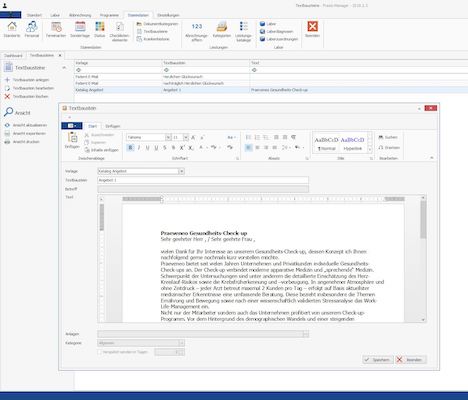
Document management
Doctor's letters
Findings
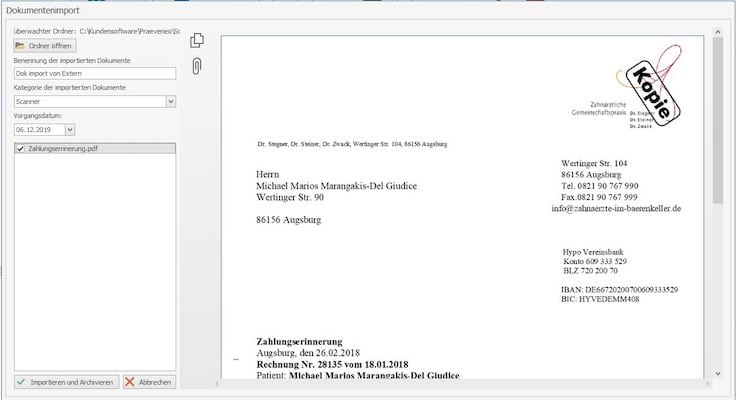
Scanner capture
Doctor's letters
Creation of various doctor's letters according to templates
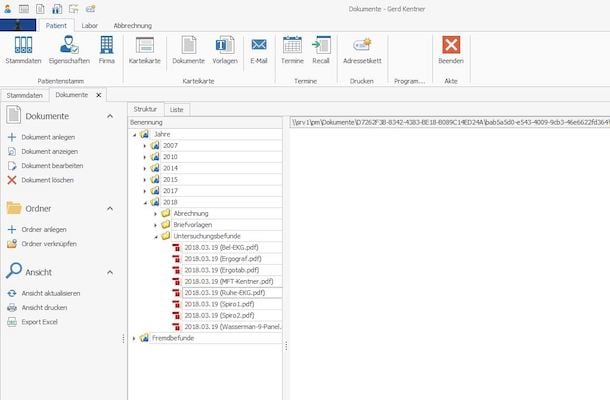
Findings
Recording and management of findings
Scanner capture
Integration of scanners in the processes to simplify documentation
Device integration
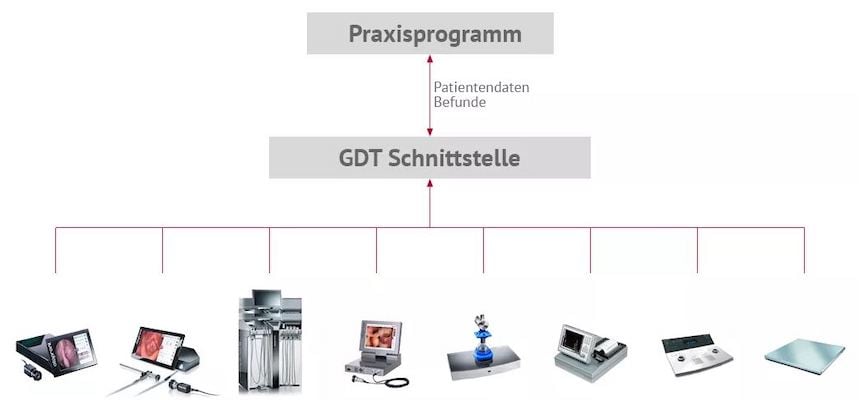
GDT, PDT and LDT interfaces
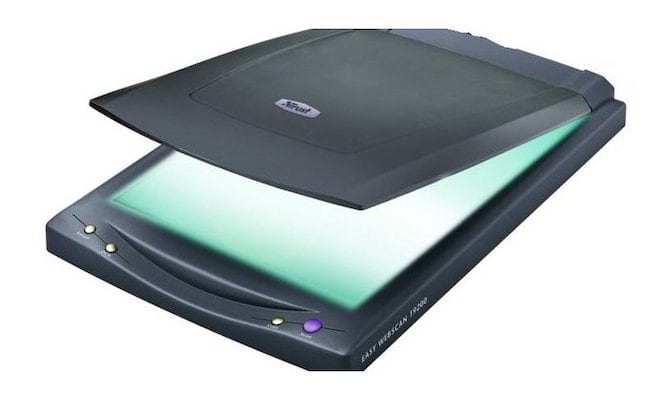
Scanner and printer
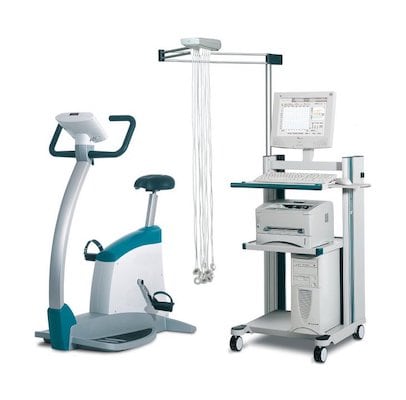
Medical and fitness equipment
GDT, PDT and LDT interfaces
Connection of external examination devices and software to the system with import function of their results
Scanner and printer
Integration of external IT devices
Medical and fitness equipment
Integration of external measuring and fitness devices
Appointment management
Appointment calendar
Resubmissions
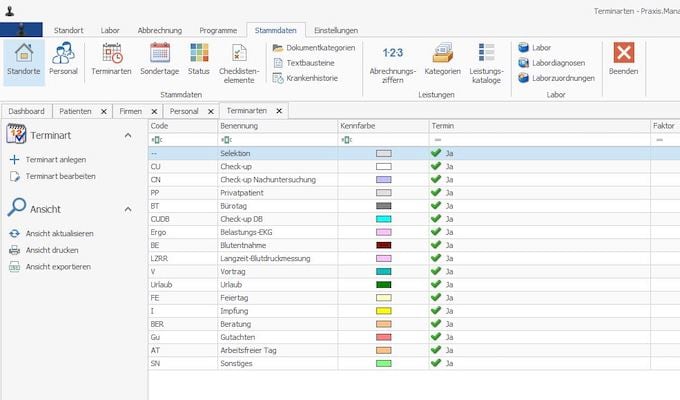
Appointment types
Appointment calendar
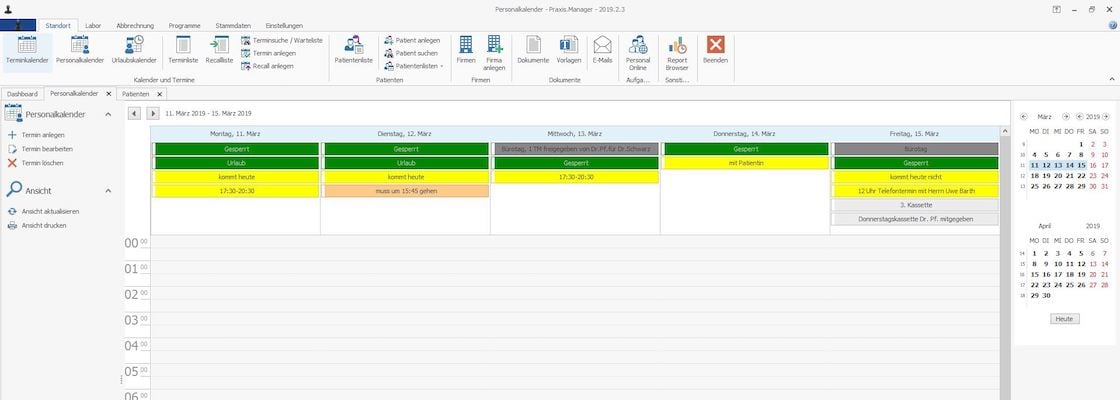
Calendar to manage all employees and their appointments. Documentation of the activities for the appointment. Processing of a defined checklist.
Resubmissions
Proposal and control of recurring appointments.
Appointment types
Subdivision of the dates into different statuses for evaluation and accounting
Basic modules
Patient administration
Customer administration
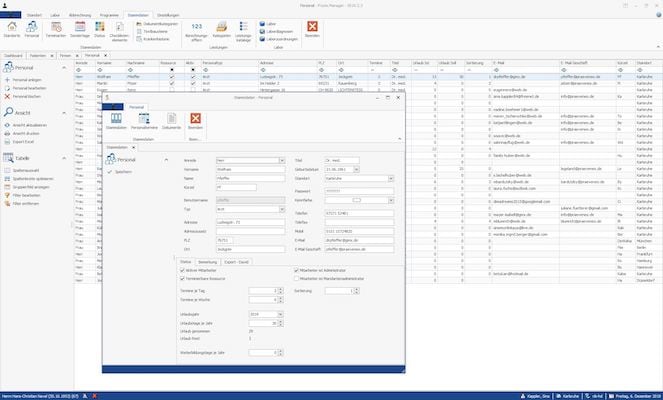
Employee administration
Resource Planning
Patient administration
Enter all necessary data of your patients. Obligation to retain data?
Customer administration
Manage your business partners, suppliers, external laboratories.
Employee administration
Manage your employees and assign them to specific areas.
Resource Planning
Scheduling of employees according to specific appointment types
Add-on modules
Purchasing
Budget
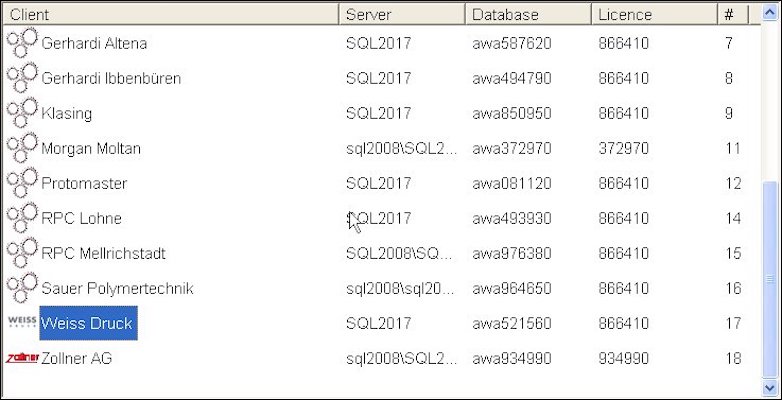
Client management
BGL / Facility
Tool management
Manufacturing
Human resources planning
Teamboard, AWa10 Viewer
Purchasing
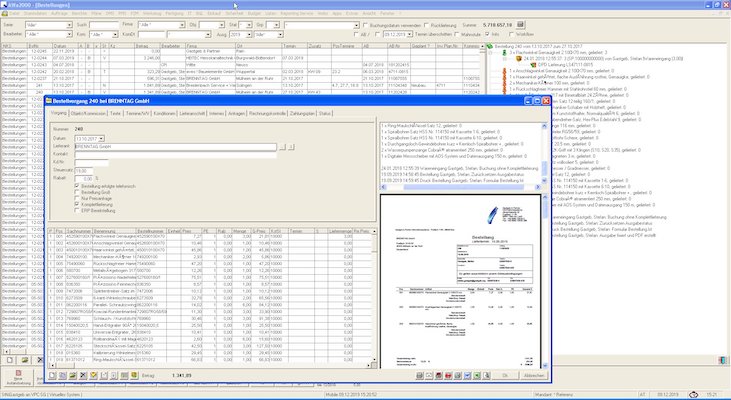
Universal order management for articles / spare parts. From order proposals to orders for delivery control with all possible processing options to direct commissioning or transfer as order proposal to leading systems. Automatic supplier dunning.
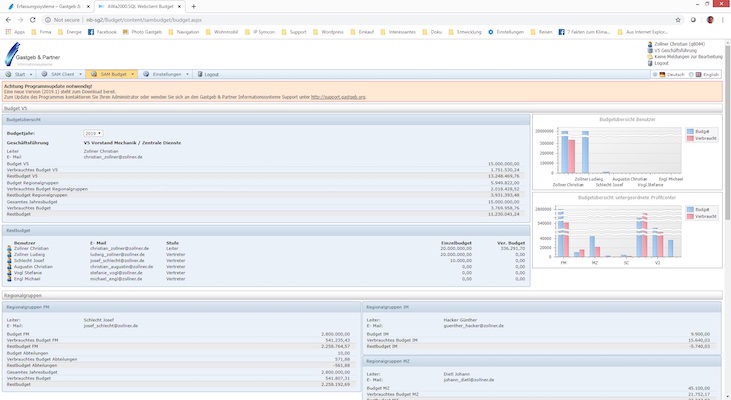
Budget
Define and manage budget. Monitor budget compliance and overview of costs and trends.
Client management
Management of several independent data sets, synchronization of essential master data
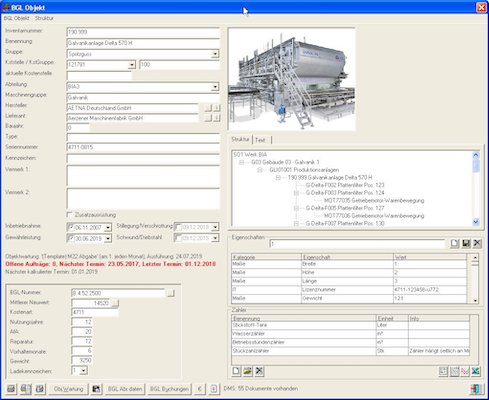
BGL / Facility
Administration of all BGL relevant data, accounting of construction sites. Rental and repair accounting by cost centre. Calculation according to LV.
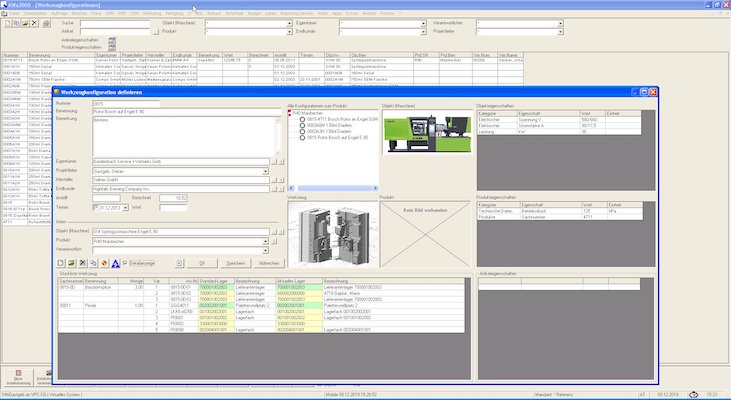
Tool management
Overview of all tool configurations (injection moulding, punching or moulding tools) for different configurations on different machines. Warehouse and deployment management
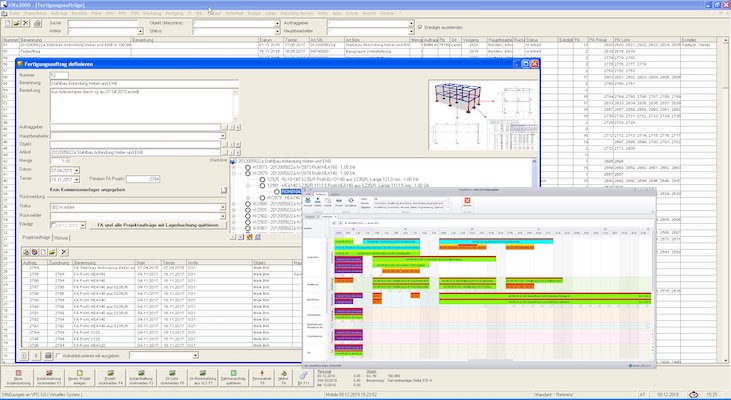
Manufacturing
Bill of material management of assets. Connection of Autodesk Vault article data. Automated explosion of parts lists to requirements and production orders, stock reservations and Kanban integration. Planning overviews and project characteristics.
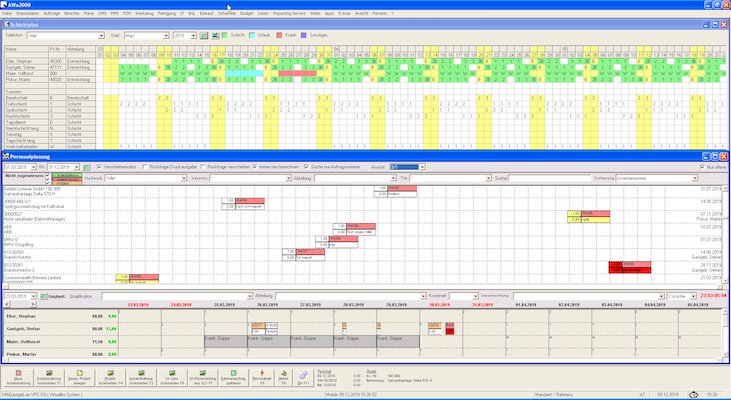
Human resources planning
Planning of personnel with capacity data. Shift schedule with any shift and availability times. Personnel planning with capacity overview and task planning.
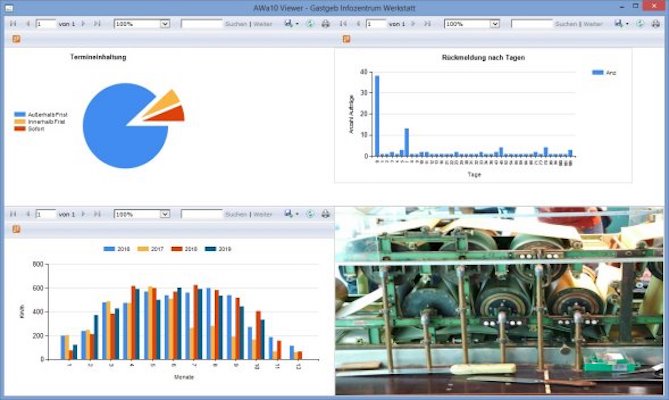
Teamboard, AWa10 Viewer
Display of task overviews, key figures and team information on status screens.
Web modules
Incident and order management
Order processing
Budget management
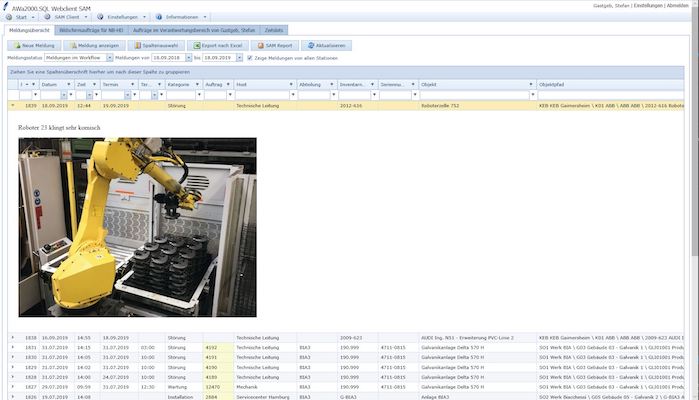
Incident and order management
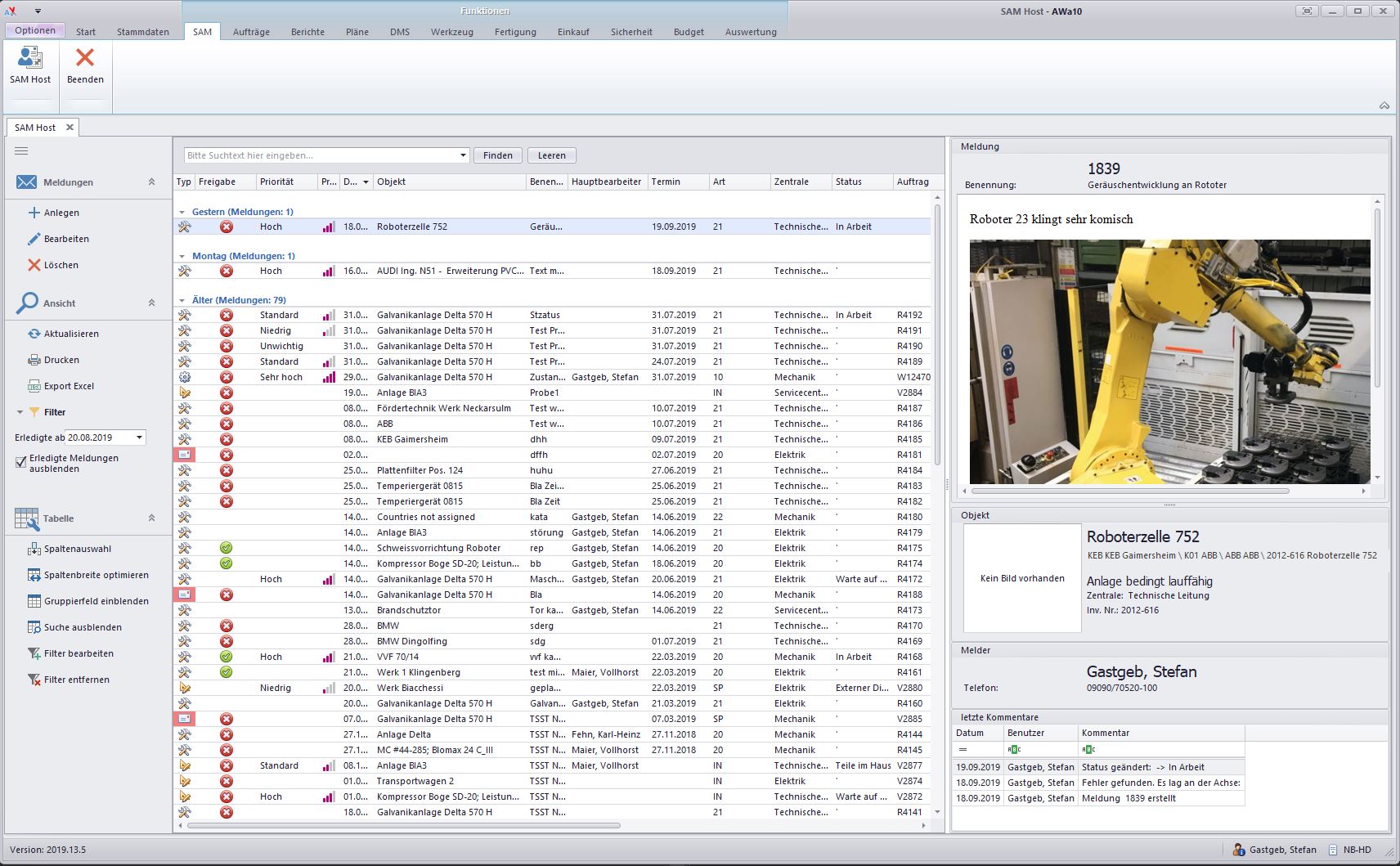
Browser solution for the incident and order notification module, user feedback in production through appointments, status and comments. Order overviews and schedule control by the production
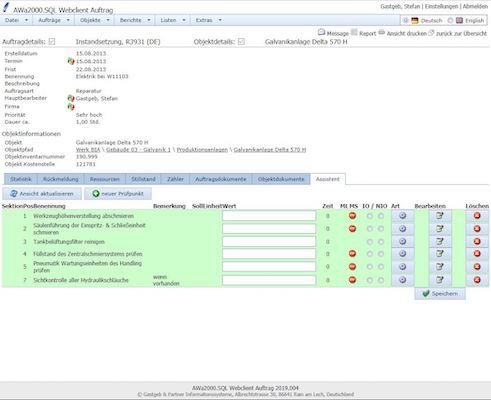
Order processing
Browser solution for extensive editing of the three order groups for maintenance, repair and project orders, tasks and personnel overviews
Budget management
Order reporting system with budget releases. Mapping of the organizational structure and budgeting of profit centers. Releasing and upgrading of orders. Extensive overviews.
Surveillance modules
Incident and order management
QM orders
Incident and order management
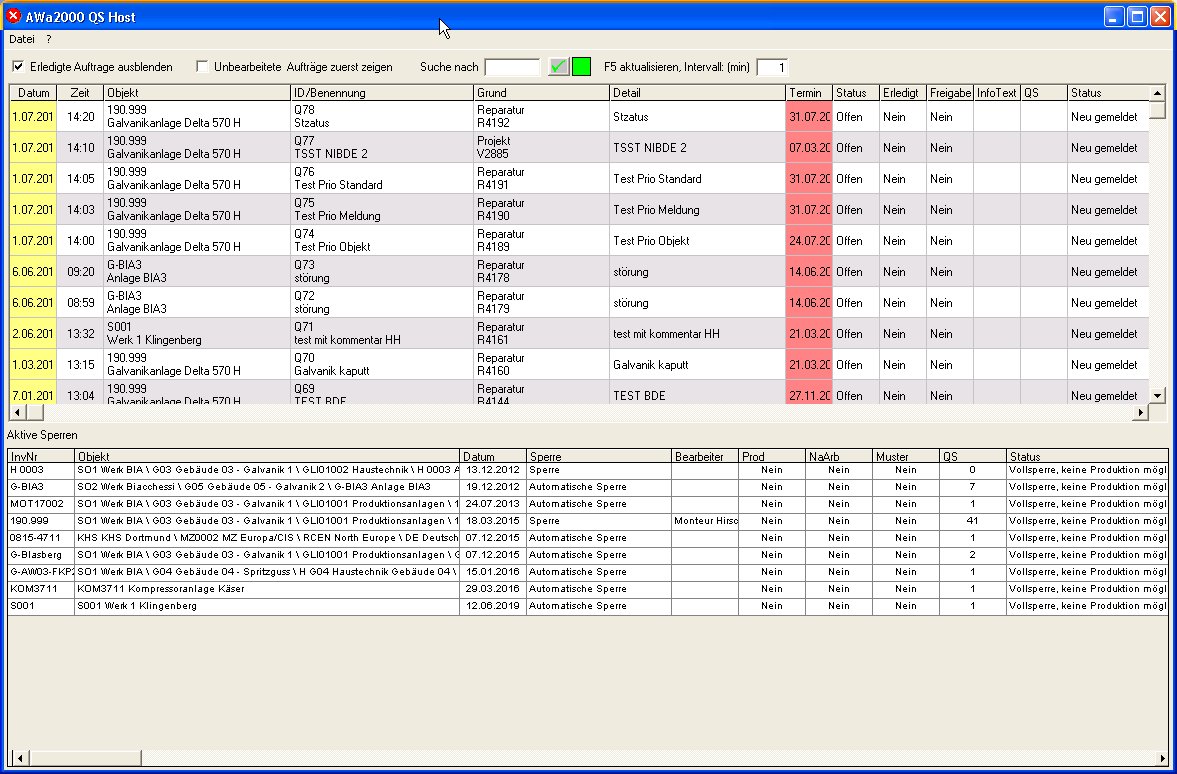
Extensive fault and order notification module, differentiated control station displays. User feedback in production through appointments, status and comments.
QM orders
Monitoring of process-relevant systems, automatic information of the QS in case of relevant interventions. Activation and release functions
Security
Risk assessment
Employee training and qualification
Hazardous substances
Risk assessment
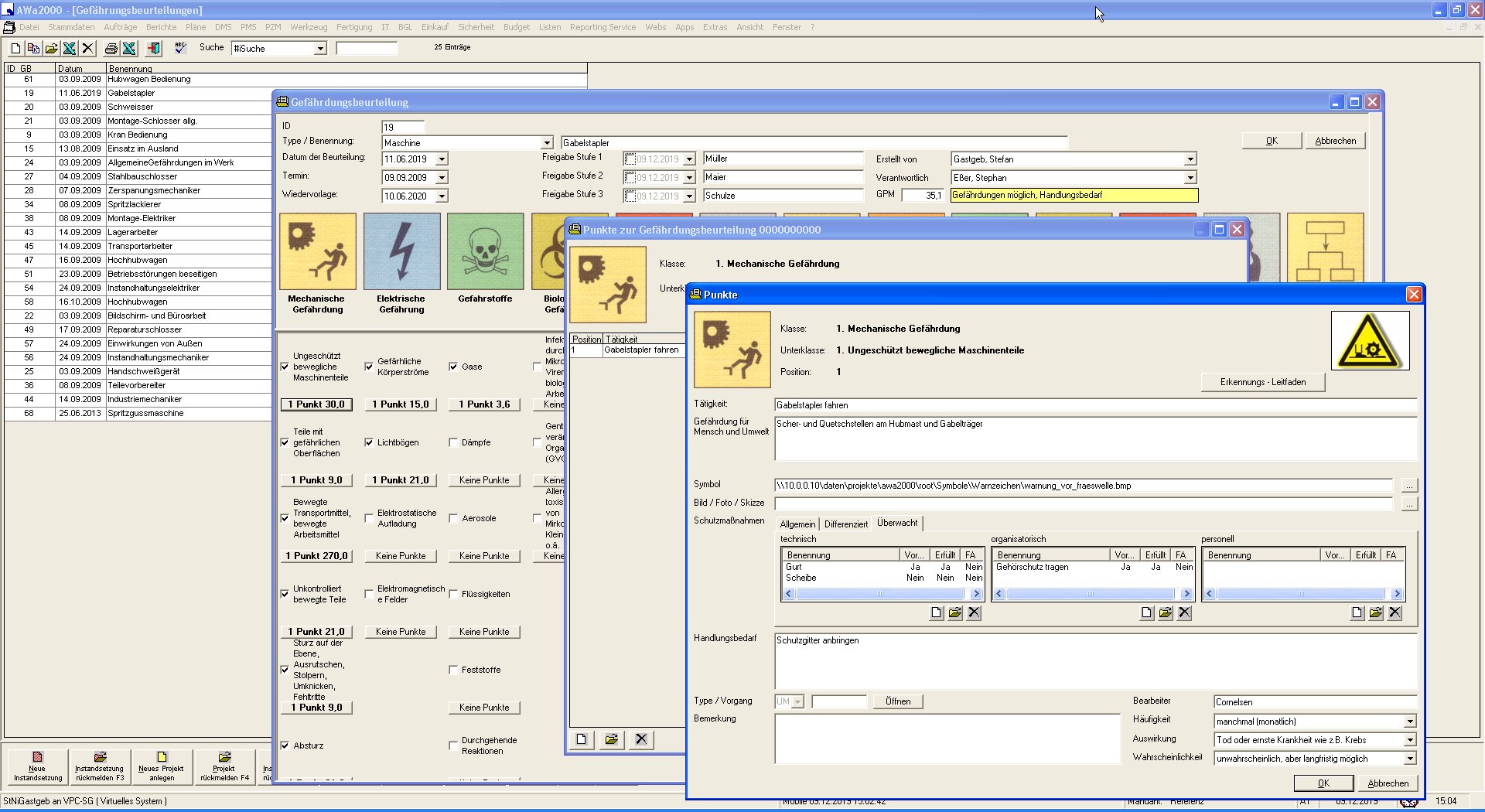
Preparation of hazard assessments with risk assessment, hazard evaluation and key risk areas via statistics
Employee training and qualification
Monitoring of training and qualification measures, deposit of skills and knowledge, automatic reminder system for recurring measures
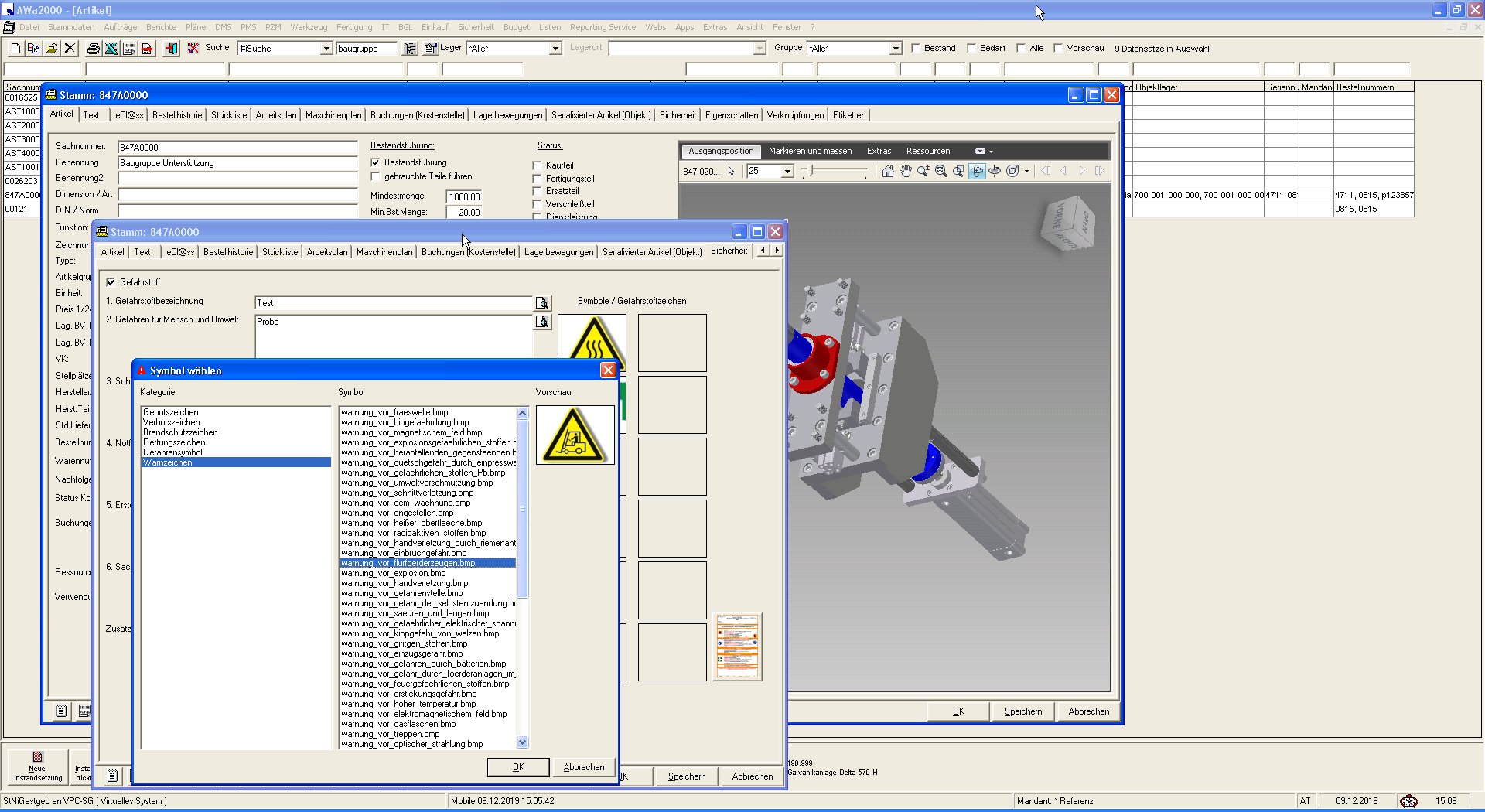
Hazardous substances
Identification and declaration of hazardous substances, preparation of safety data sheets
Interface modules
MDE / BDE, SPS
ExtConnect module
ERP software
SAP
MDE / BDE, SPS
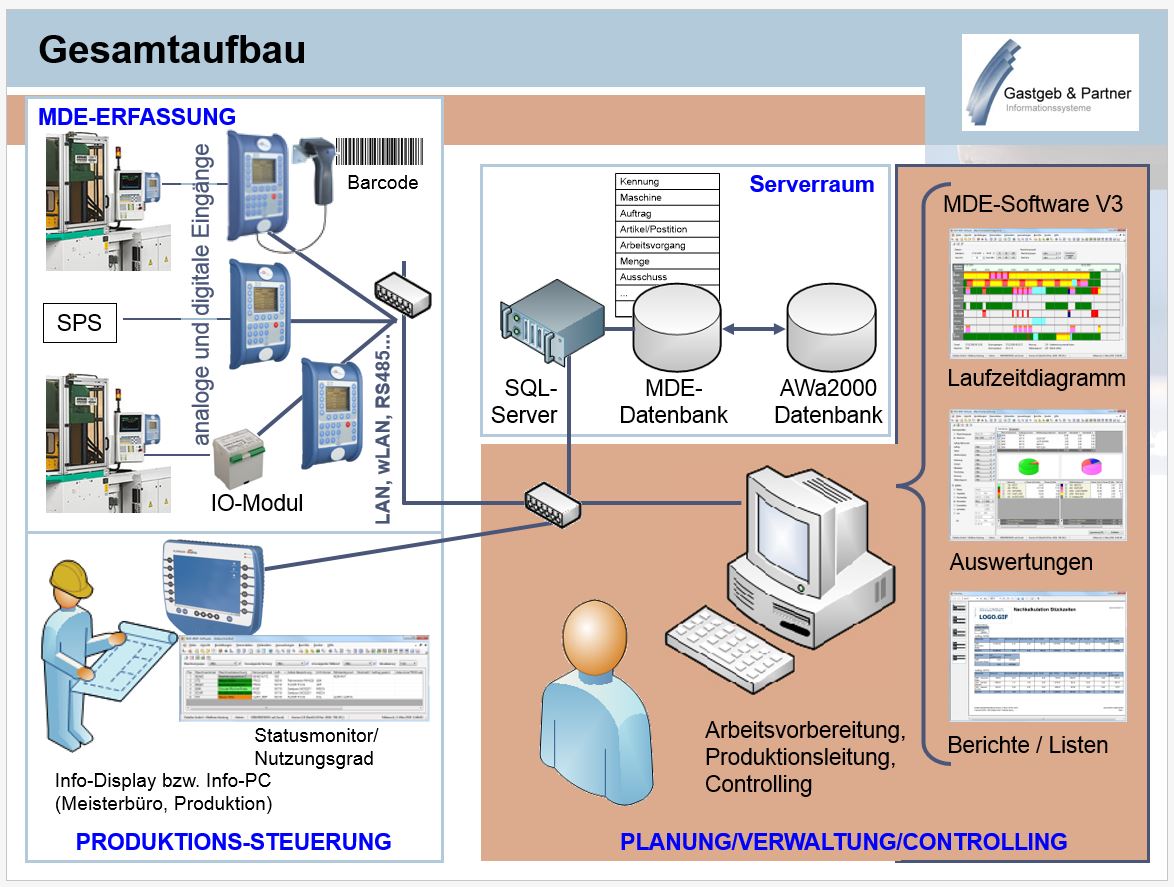
Connection to various systems for data transfer of meter data, status data and triggers (fault management)
ExtConnect module
Content data comparison with external systems at database level. Export and import as well as adjustment and transfer table functions
ERP software
Separate modules for the more complex connection of external systems. Individual possibilities
SAP
Connector, connection module for direct controlled access to all SAP modules
Reporting
Order overviews
Evaluation of key figures
Cost evaluation
Trend analyses
History
Order overviews
Maintenance and project orders according to any filter criteria and status (open, due, overdue, etc.)
Evaluation of key figures
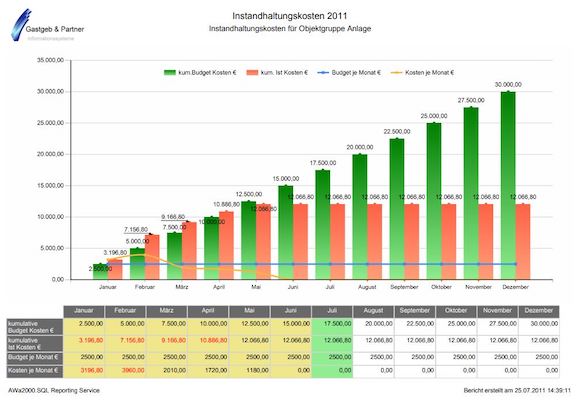
TPM key figures, MTBF, MTTR, OEE
Cost evaluation
Data preparation for commercial requirements and controlling. Articles with unit prices, personnel with rates, machine hours and external services.
Trend analyses
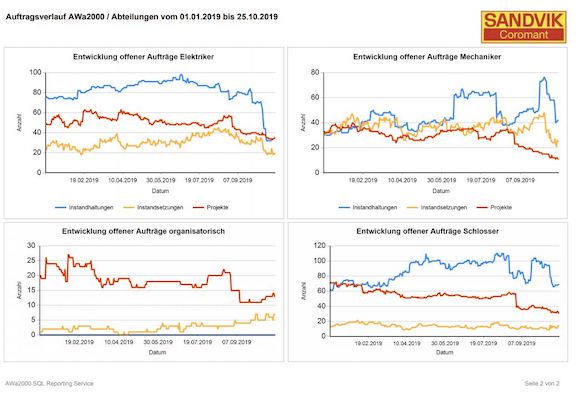
Progress display with trend functions for detecting deviations. Conditional reporting for note and warning lists.
History
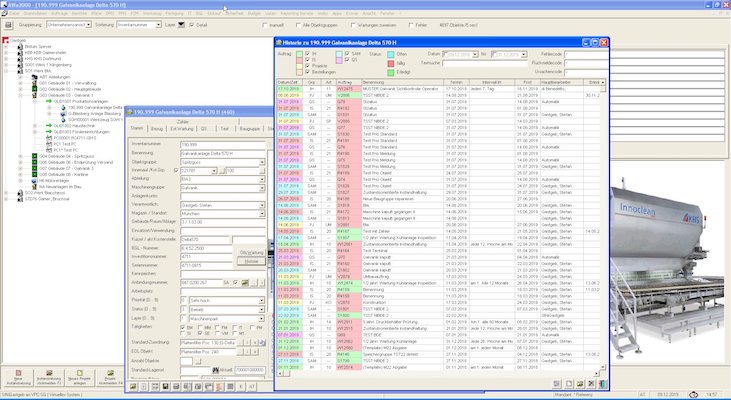
Extensive history functions (machine map) for objects, structures and locations
Mobile app
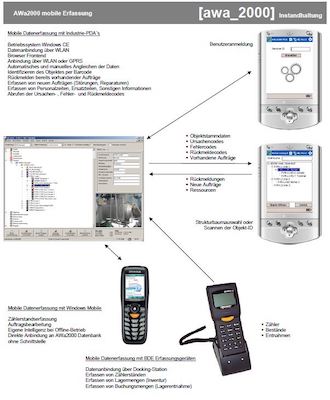
Datafox devices
PDA solutions
Scanner
Datafox devices
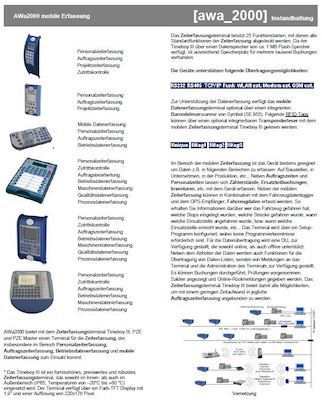
Data acquisition with terminals from the manufacturer Datafox: order processing, feedback, resources and counter recording.
PDA solutions
Accounting solutions for tool, measuring equipment and warehouse management
Scanner
Integration of scanner solutions for documentation. Automatic allocation of documents, automated feedback by scanning
Basic modules
Main module with master data
Maintenance scheduling
Order processing
Automation
Auto update
User management
Analysis
Main module with master data
Core module of the application for the maintenance of all master data such as objects ( facilities, assemblies, tools), articles, addresses, codes and categories as well as parameterization of the functionality
Maintenance scheduling
Extensive maintenance planning with resource requirements and checklist, appointment and counter intervals. Maintenance planning and condition-oriented measures, complex inspection plans with step and offset distances
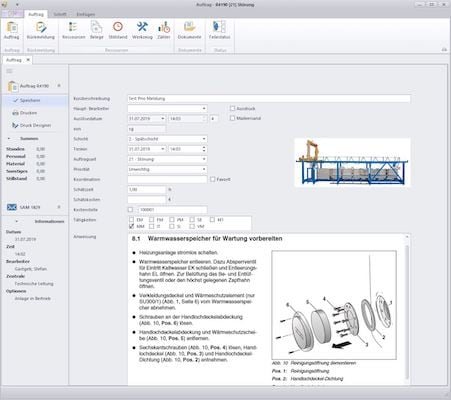
Order processing
Extensive order types in three order groups for maintenance, repair and project orders, tasks, backlog and dunning control including escalation levels
Automation
Generation of cyclical or status-oriented maintenance tasks, creation of reports with overviews and key figures, automatic dispatch by e-mail, print output or storage.
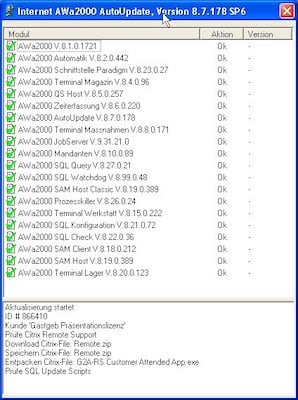
Auto update
Fully automatic update function for user-controlled updating of the working environment
User management
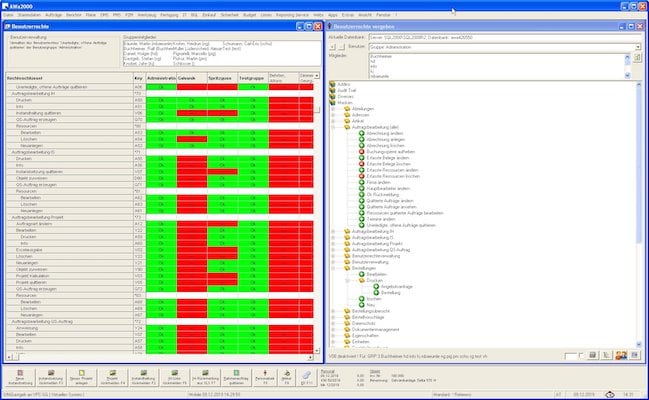
Extensive user groups and user administration. Individual authorizations for functions, masks and evaluations
Analysis
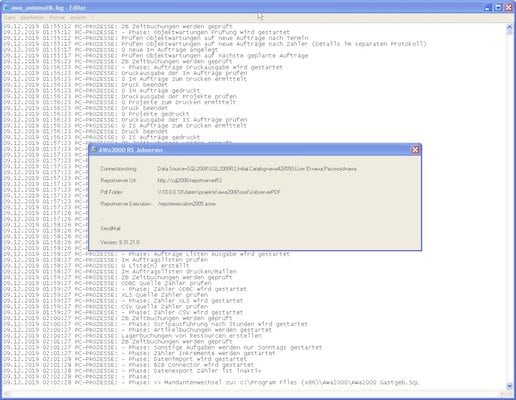
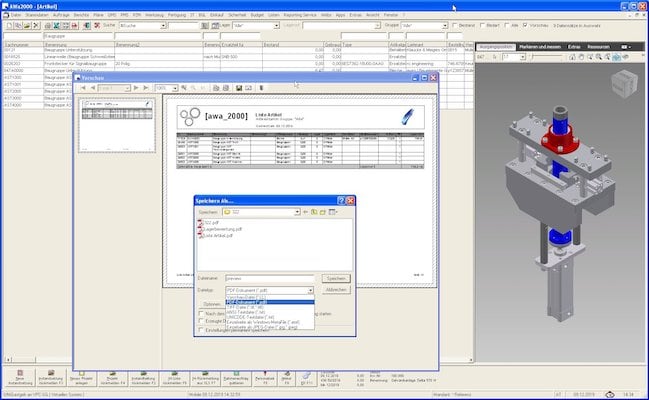
Integrated reports based on the list & label report generator, freely configurable Excel output and reports from Microsoft Reporting Service
Booking terminals
Workshop
Warehouse
Magazine
Workshop
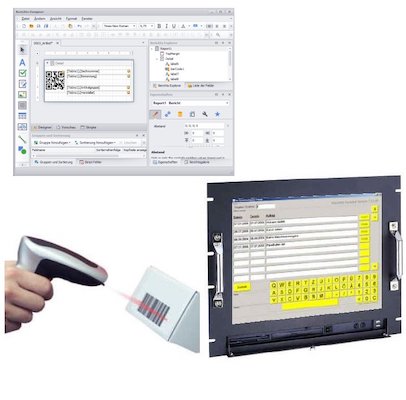
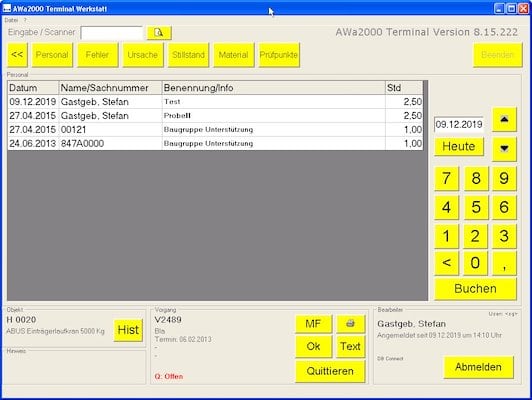
Keyboardless operating environment for order processing with touch screen IPCs and scanner support for garage and sensitive areas.
Warehouse
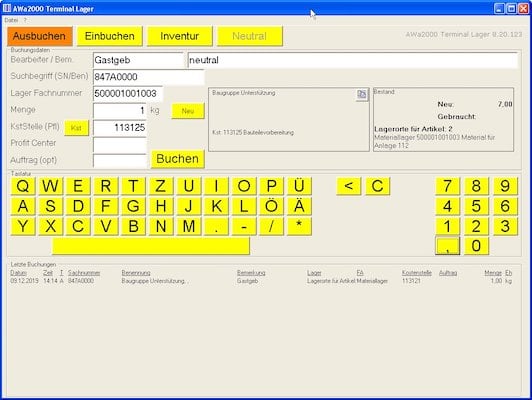
Keyboardless operating environment for warehouse management with touch screen IPCs and scanner support for workshop and sensitive areas
Magazine
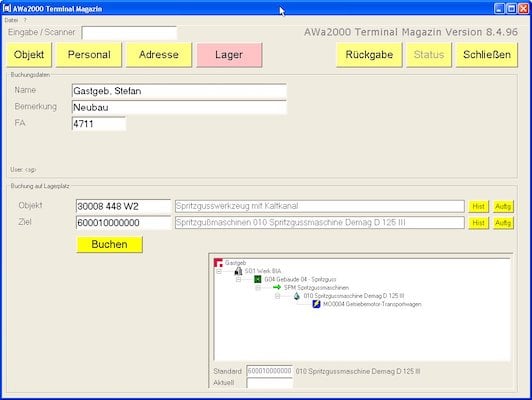
Keyboardless operating environment for magazine and tool management with touch screen IPCs and scanner support for workshop and sensitive areas.
AWa10App
Order processing
Facility management
Document management
Incident and order management
Article management
Warehouse management
Meter management
Order processing
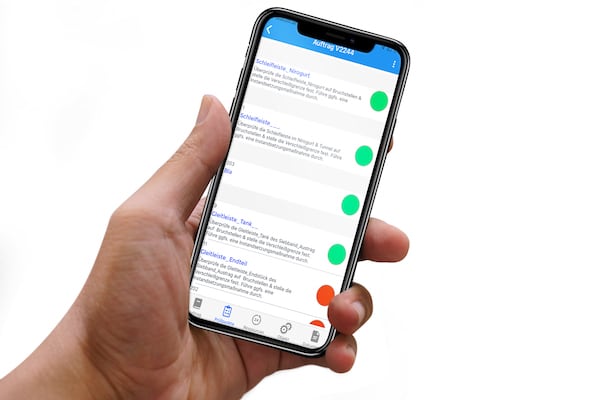
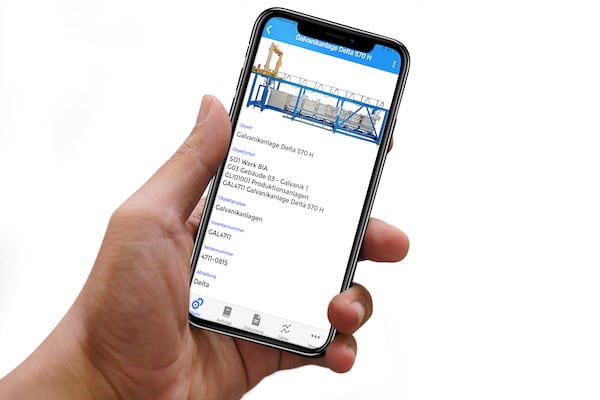
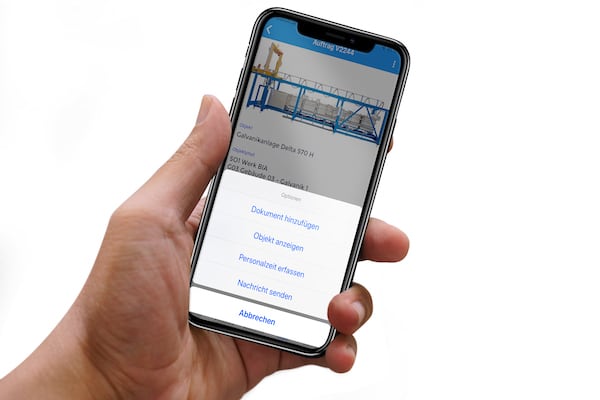
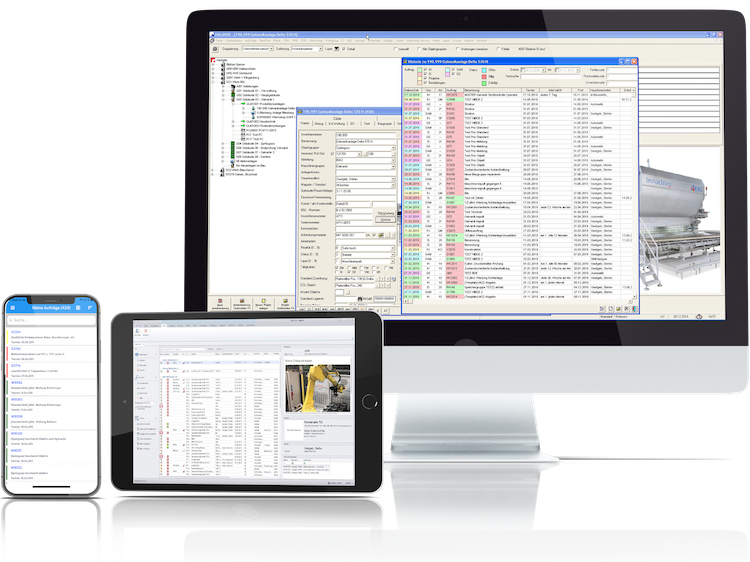
Mobile processing of maintenance and repairs, booking of personnel, articles and measurement data, recording of image and document data, digital signature
Facility management
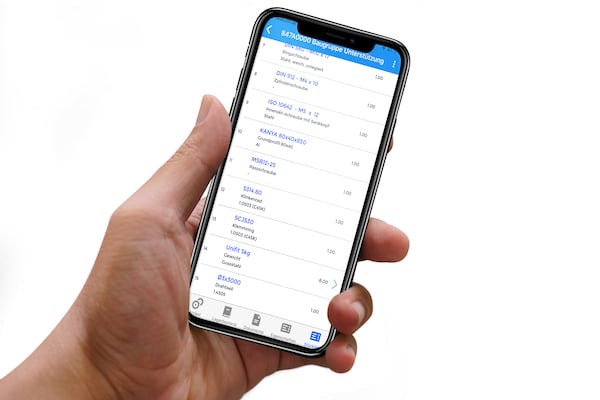
Access to all objects ( facilities, assembly, tools ) with pictures and documentation, spare parts, order history, counter readings and properties
Document management
Documents and images for orders such as maintenance, repairs and projects, for objects ( facilities, assemblies, tools) and articles
Incident and order management
Mobile reporting of incidents quickly and easily with status and image information
Article management
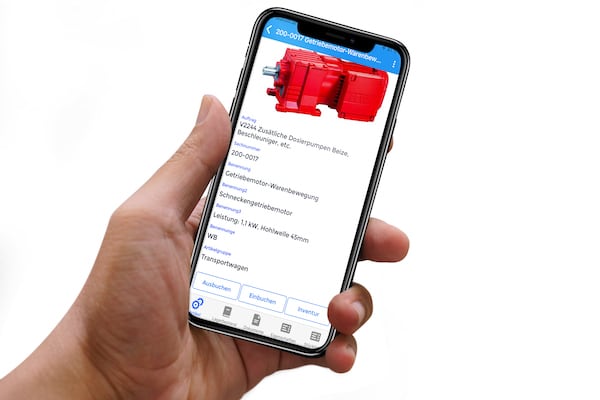
Access to all articles with pictures and documentation, parts list, properties and stock
Warehouse management
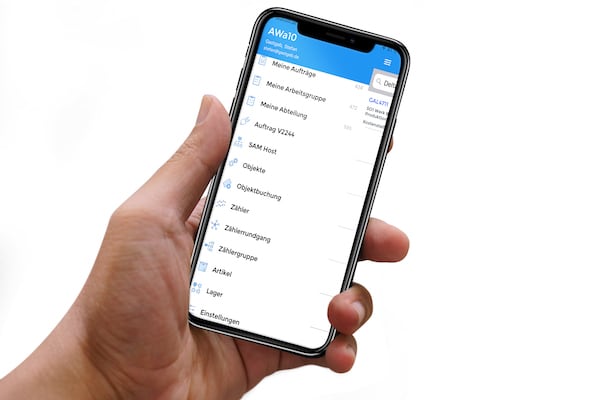
Mobile ordering of articles to orders, goods receipt, storage / retrieval, inventory and correction postings
Meter management
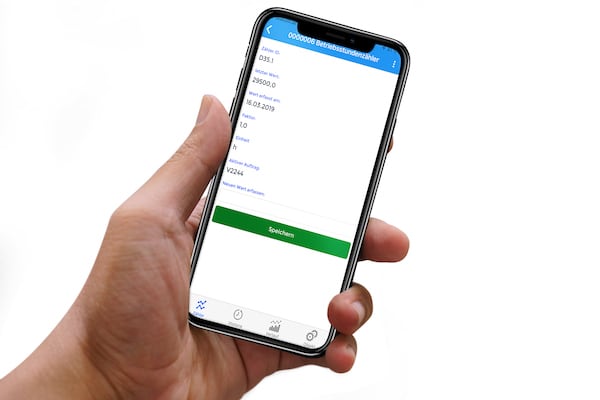
Mobile recording of meter readings, pausibility-checked recording
Informationen
Visitor statistics
Utilization overviews
Key figure reporting
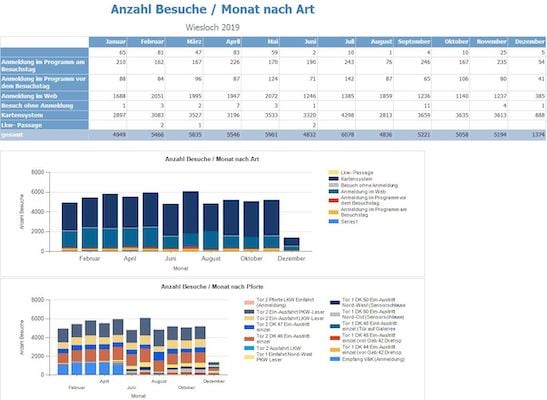
Visitor statistics
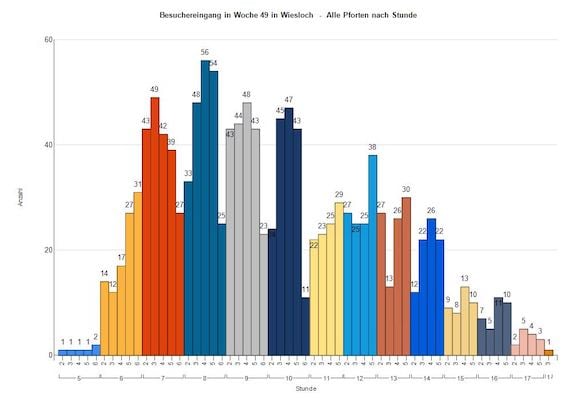
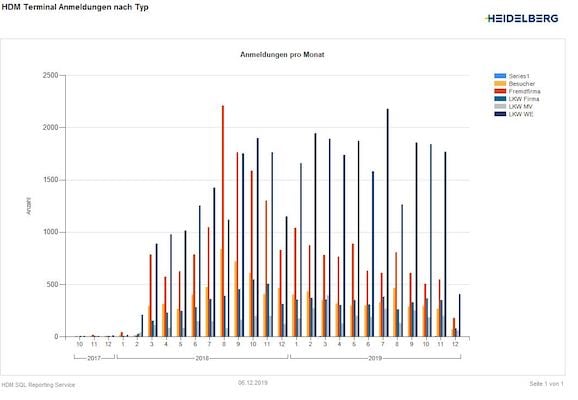
Access statistics by client, location, gates or special areas.
Utilization overviews
Evaluation over time, peak time analysis and access duration and location.
Key figure reporting
Various key management figures according to areas of responsibility and need.
Fleet management
Vehicle management
Utilization planning
Car rental management
Special area management
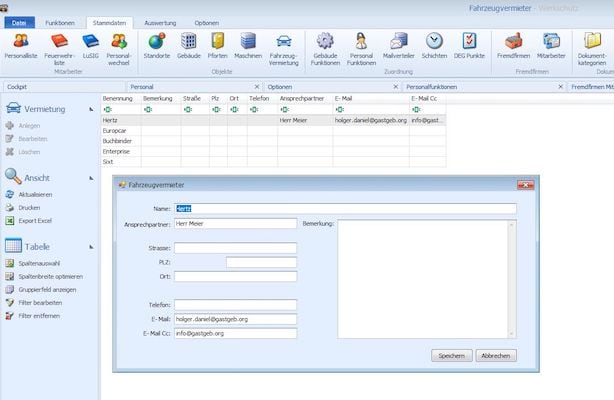
Vehicle management
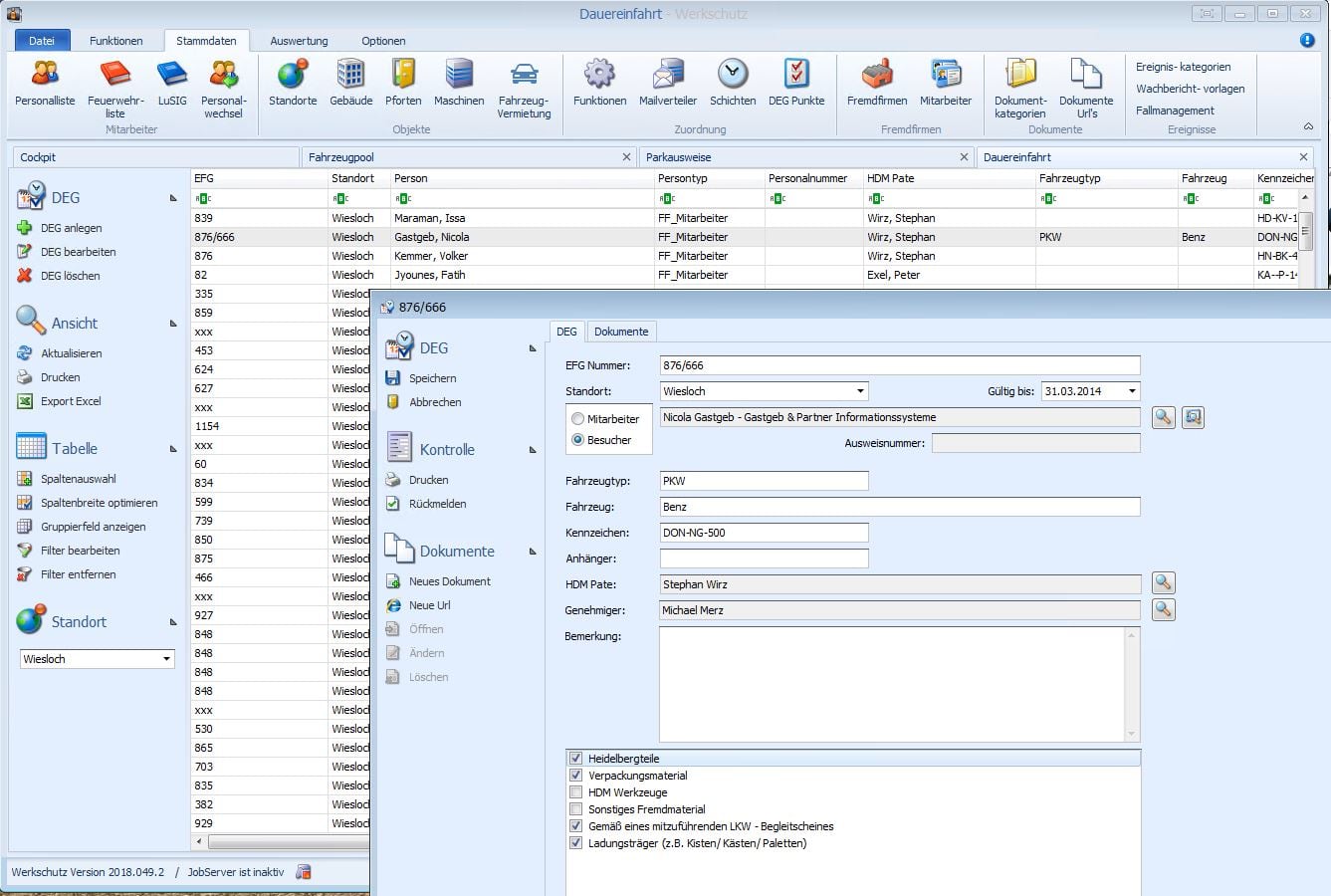
Manage all vehicles that gain access to the site
Utilization planning
Fleet management for the administration of trips with monitoring of the capacity utilisation via route comparisons
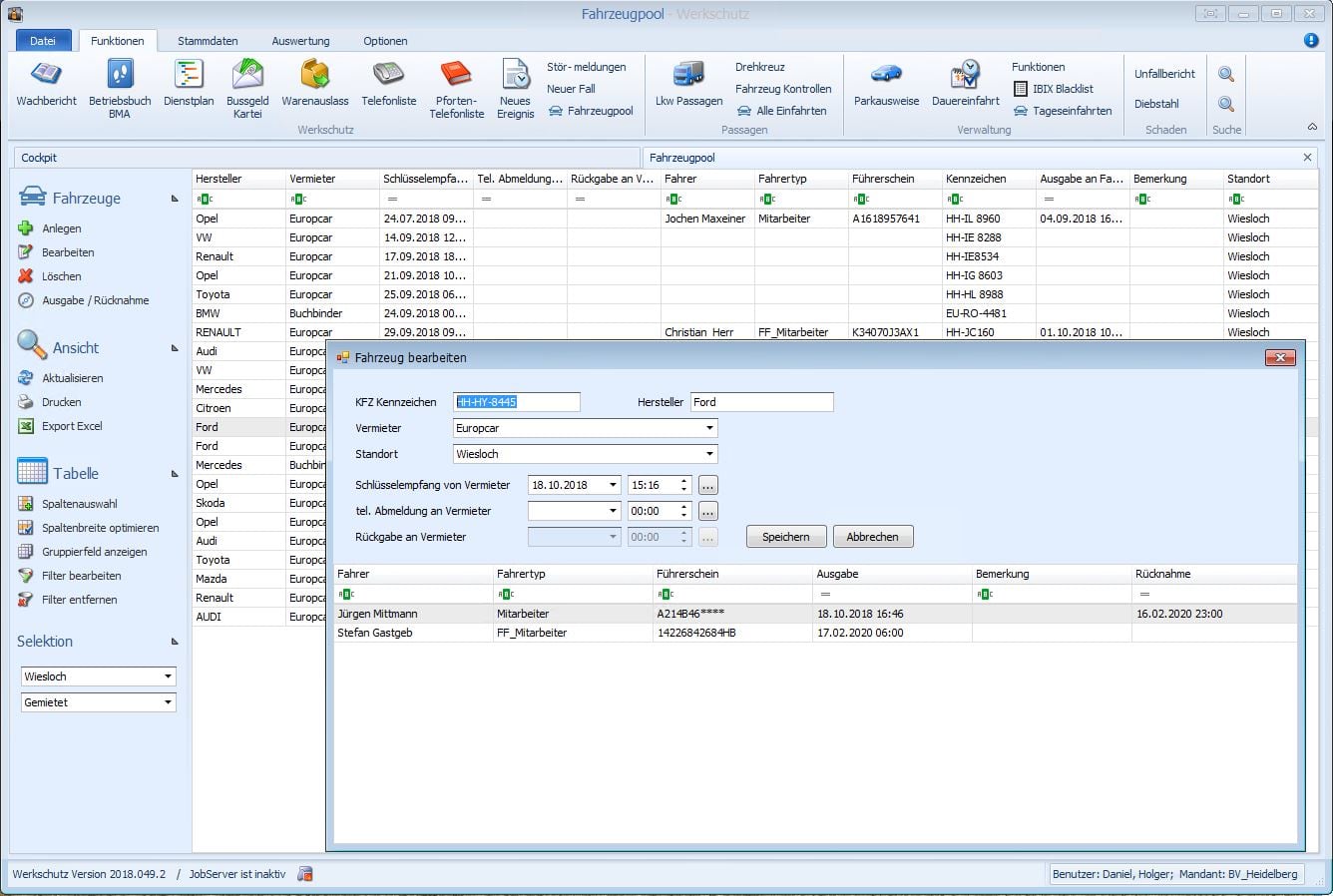
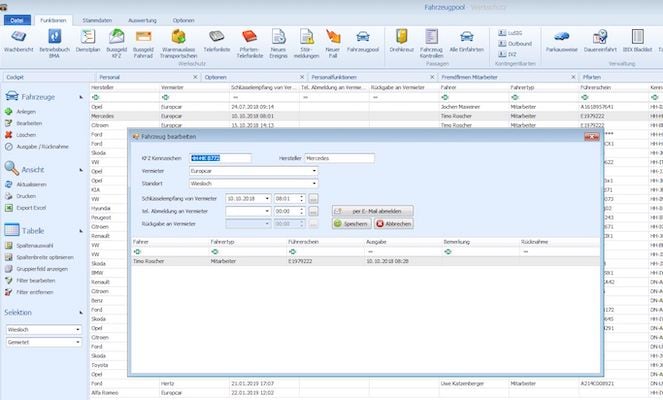
Car rental management
Management of the rented elements of the vehicle fleet with contract monitoring
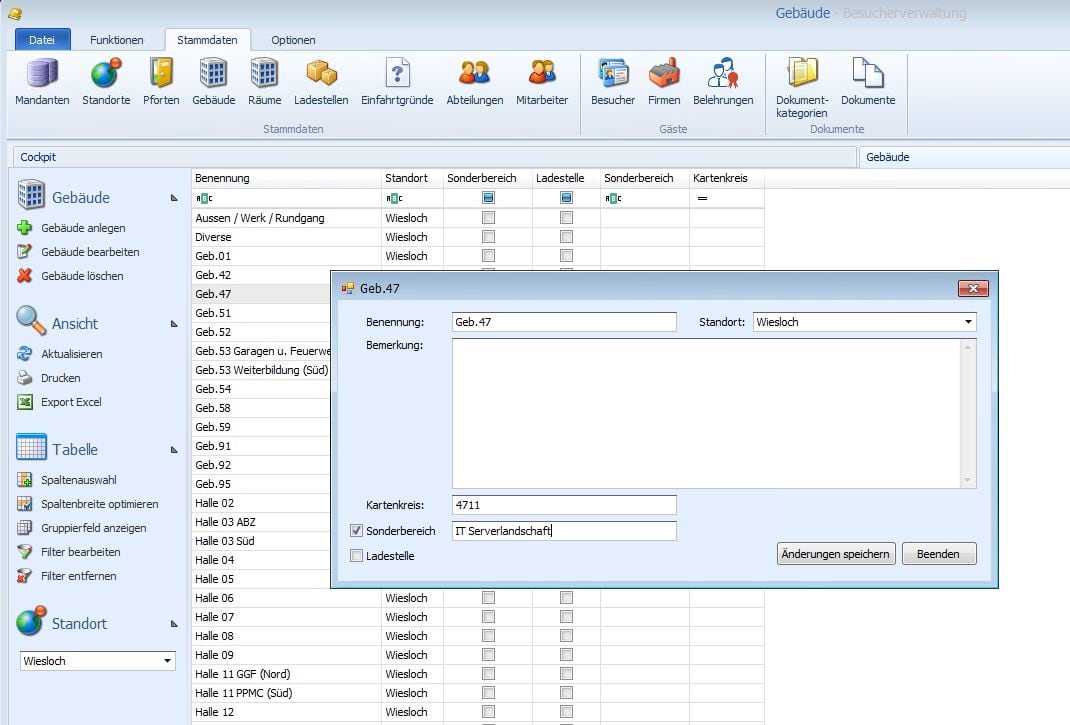
Special area management
Access to special areas within buildings is managed, authorized and monitored separately.
Web modules
Visitor registration
Claims management
Access permissions
Special area management
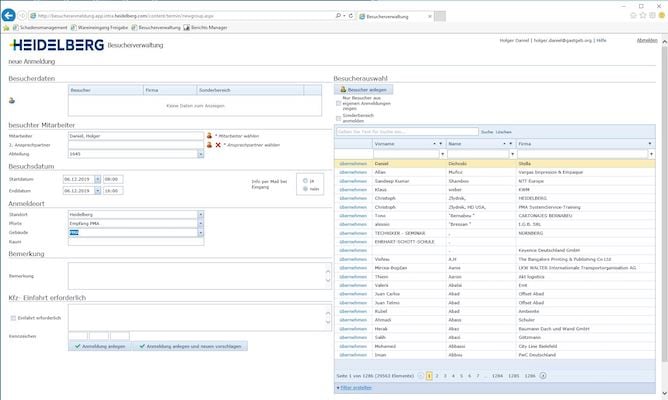
Visitor registration
Easy registration of visitors via a web console that can be accessed via the intranet. Visitors can be called up from the history or via the external company.
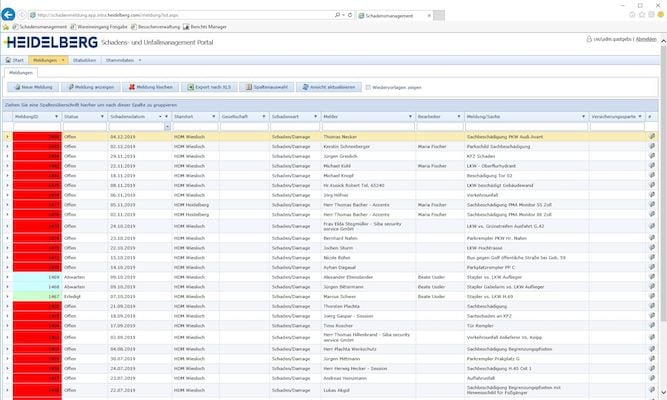
Claims management
Easy reporting of accidents, damages and thefts via a web console. Post-processing and document assignment for forwarding as a package for insurance-related events.
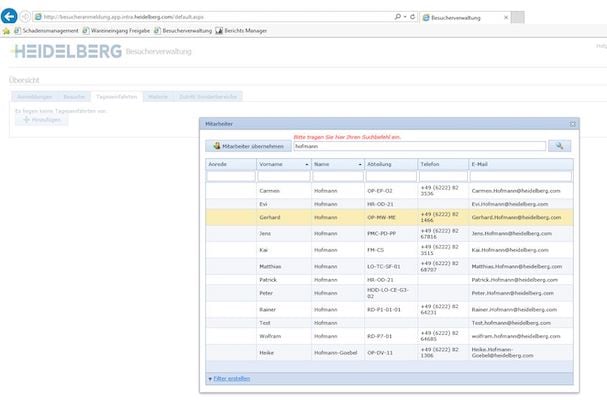
Access permissions
Quick and easy release of own employees for access to the company site. Automatic booking of the access permit on a transponder card.
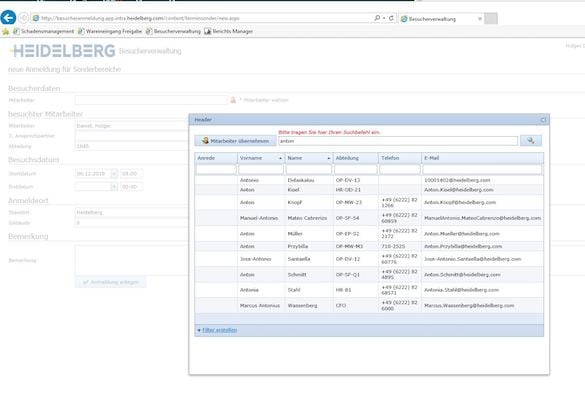
Special area management
Access to special areas within buildings is managed, authorized and monitored separately.
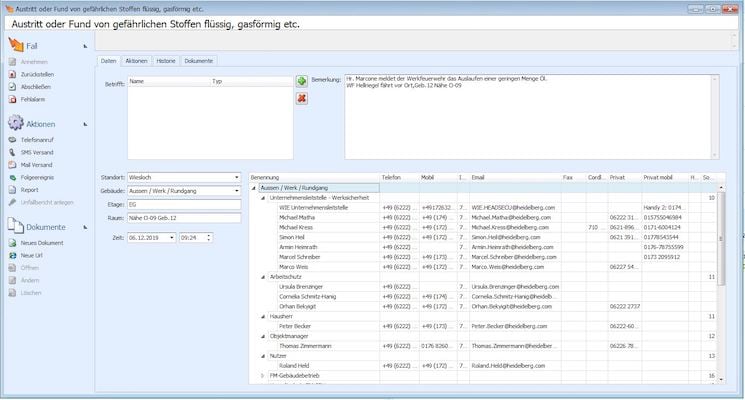
Factory security
Emergency plans
Notification options
Access monitoring and control
Actions and results
Shift schedule
Watch reports
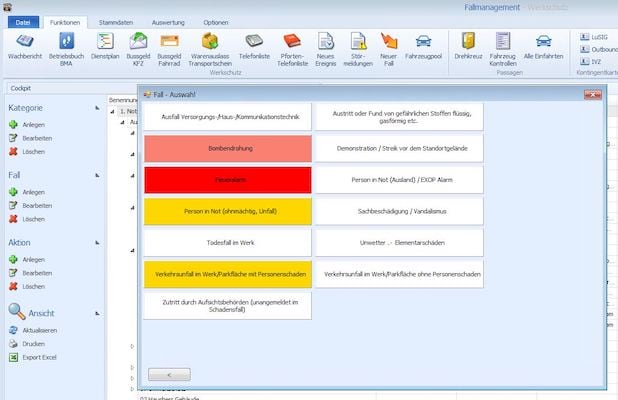
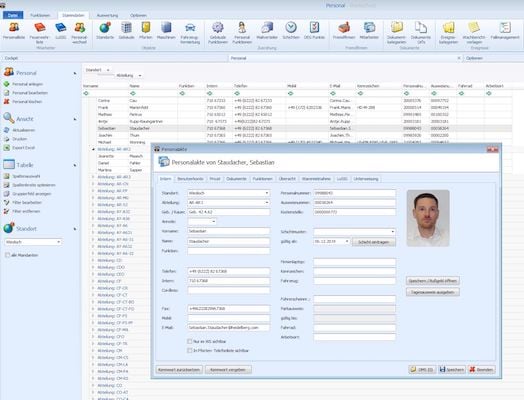
Emergency plans
Emergency management covers all situations (fire, malfunction, environmental influences, accidents) with allocation of the reporting chain and responsibilities. Automatic notification of all necessary participants.
Notification options
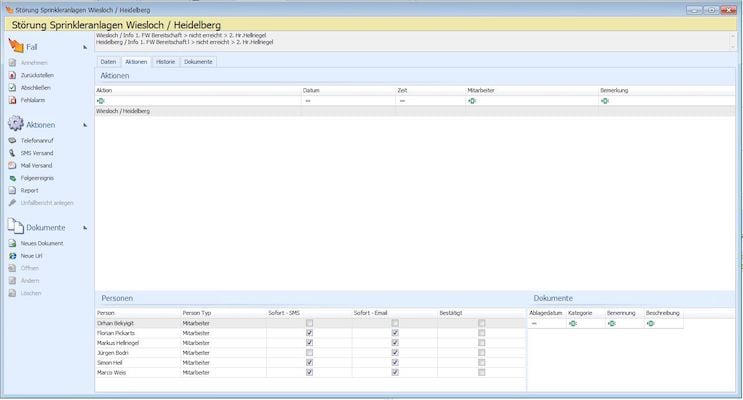
Emergency and event messages are sent on predefined transport routes by SMS, e-mail or pager to the responsible persons.
Access monitoring and control
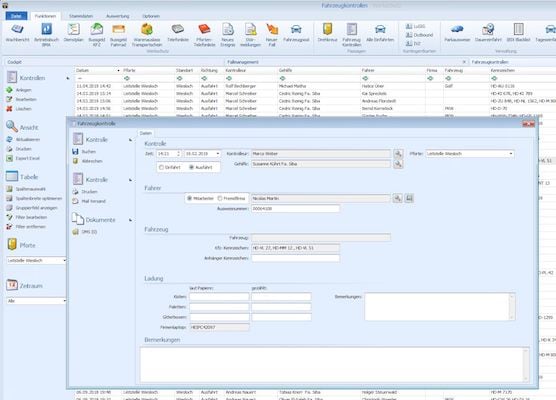
Gate controls for visitors, cars and trucks (suppliers) are recorded and documented both at entry and exit according to various triggers (constant, random)
Actions and results
All emergencies and events can be quickly and easily recorded and added to the watch history. Existing templates and coordination features facilitate the daily work.
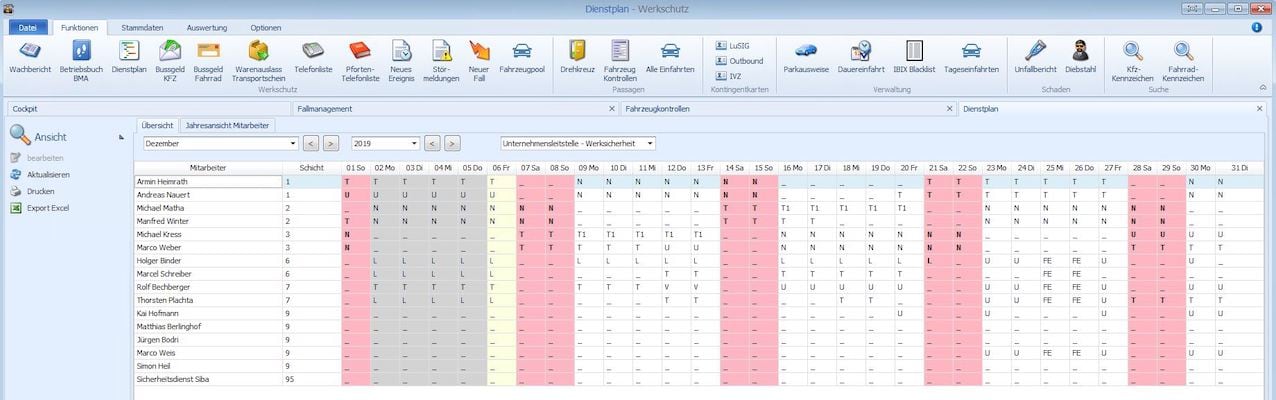
Shift schedule
The security staff is managed in a shift plan according to presence and assignment
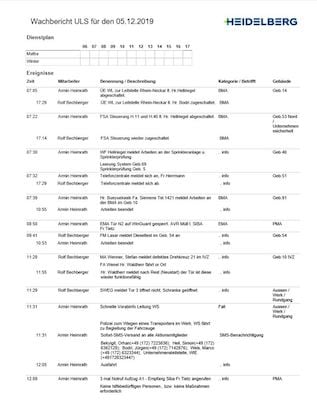
Watch reports
Required proofs of security, such as daily guard reports or special incidents, are automatically sent as reports to defined distribution lists.
Visitor Management
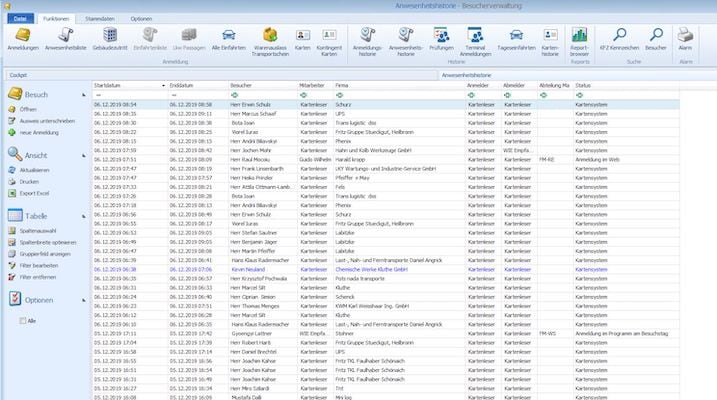
Visitor registration
Visitor movements
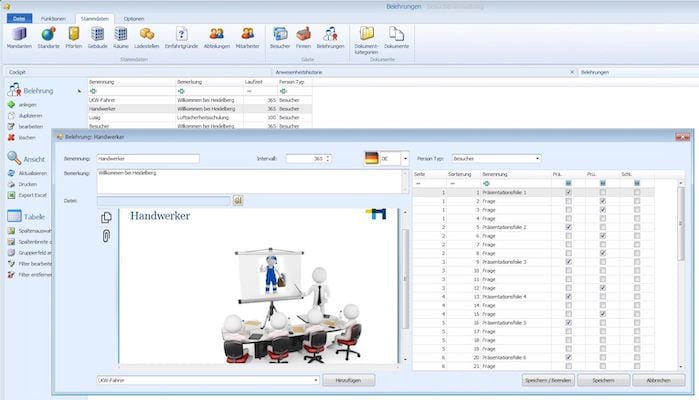
Instruction and training
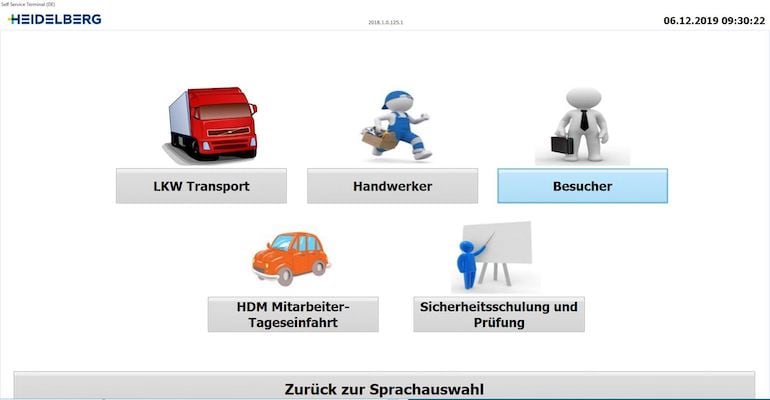
Self-Service-Terminal
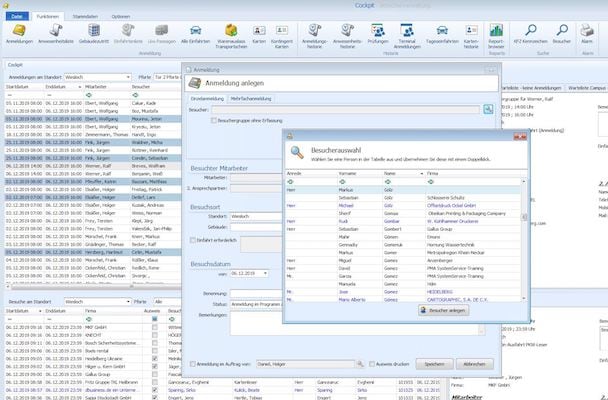
Visitor registration
Quick and easy registration of existing and new visitors as well as external companies in the system.
Visitor movements
Automatic booking of visitors and external companies during passage with control of the security status (instruction).
Instruction and training
Manage diverse instruction and training presentations with questions for different security levels.
Self-Service-Terminal
Terminal for self-registration of visitors and external companies or suppliers with acquisition of initial image for data reconciliation. Self-instruction through assigned presentation with examination questions.
Master data
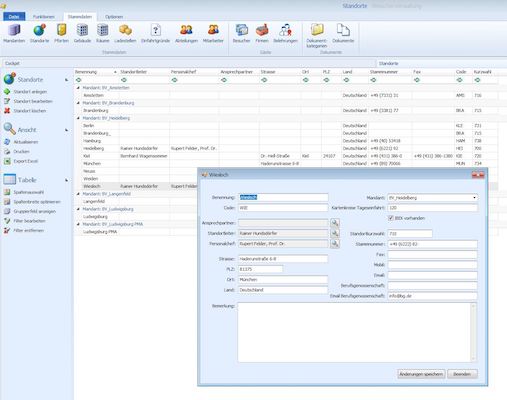
Clients and locations
Departments and employees
Features
External companies and personnel
Gates and accesses
Equiment and resources
Vehicles and parking lots
Clients and locations
Group locations by client to use common master data. The visibility of the locations is delimited according to the client.
Departments and employees
Subdivide the client by departments with location assignment. Organize all employees. Data transfer from leading systems possible.
Features
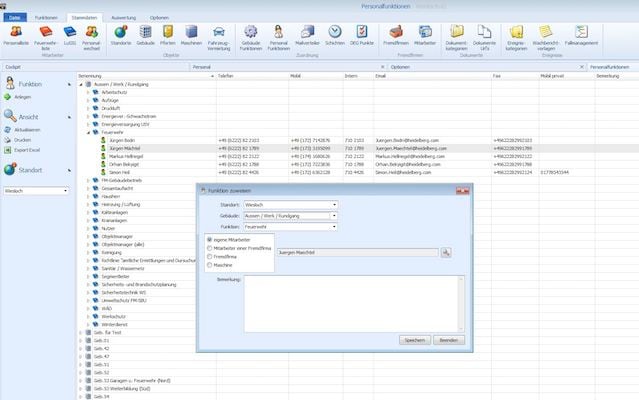
Organize all functional areas with employee assignment: first responders, fire brigade, building managers, operations managers, etc.
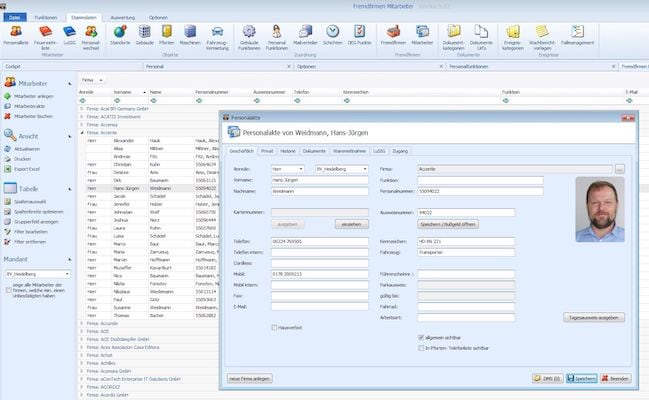
External companies and personnel
Record all active external companies with employees who work at the site.
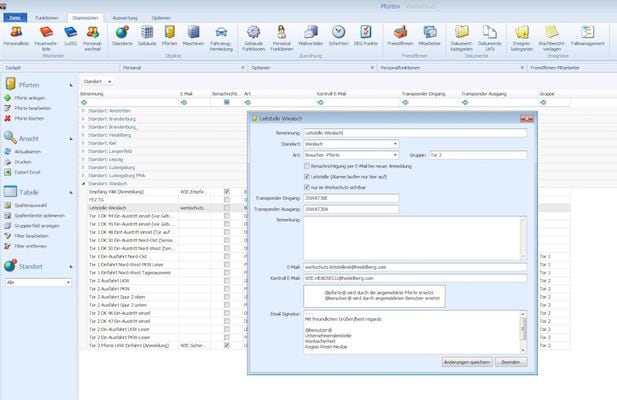
Gates and accesses
Assign to each location the access ports and access routes with connection to readers for transponders for barrier or gate opening.
Equiment and resources
Manage resources such as meeting rooms, beamers, PCs and accessories, telephones and much more.
Vehicles and parking lots
Organize parking reservations and vehicles with special status.
You are currently viewing a placeholder content from reCAPTCHA. To access the actual content, click the button below. Please note that doing so will share data with third-party providers.